.png?w=3840&h=2378)
A thermal camera can reveal patterns that are easy to miss with the naked eye, but an outdoor image is never created by the target alone. Sunlight, wind, moisture, humidity, viewing angle, and surface finish can all change the apparent temperature or reduce the contrast you need to see a problem.
That does not make outdoor thermography unreliable. It means the inspection must be planned around the environment. This field guide explains the most common weather-related effects and how to collect thermal images that are easier to compare and interpret.
Why outdoor thermal readings change
A thermal camera detects infrared radiation arriving at its sensor. Part of that radiation is emitted by the surface, part may be reflected from the surroundings, and part is affected by the air between the target and the camera. The camera uses settings such as emissivity, reflected temperature, distance, atmospheric temperature, and relative humidity to estimate a surface temperature.
Outdoors, these inputs can change quickly. A wall that has been in direct sun behaves differently from the same wall in shade. A calm facade can show a clear temperature pattern that becomes muted when wind removes surface heat. Polished metal may reflect the sky, nearby equipment, or even the person holding the camera.
Six conditions that can distort an outdoor inspection
1. Direct sunlight and solar loading
Sunlight warms surfaces unevenly. Dark materials, sheltered corners, different coatings, and areas with different exposure histories may store and release heat at different rates. A bright thermal pattern may therefore be caused by solar loading rather than a defect.
For building-envelope work, early morning or another period without recent direct sun is often easier to interpret. If the inspection must happen during the day, document which surfaces are sunlit, shaded, or recently exposed, and avoid comparing areas with different solar histories as if they were identical.
2. Wind
Wind changes convective heat transfer at the surface. It can cool a facade, reduce the temperature contrast around an anomaly, and make air-leak patterns harder to detect. Gusts also create inconsistent conditions from one image to the next.
When possible, inspect during calm, stable weather. If wind increases during the route, record the change and treat before-and-after images as different test conditions.
3. Rain, dew, and wet surfaces
Water changes how a surface heats, cools, and emits infrared energy. Evaporation can create cool patterns, while a thin film of water may cause the camera to show the temperature behavior of the wet surface rather than the underlying material. A pattern that looks like moisture inside a wall may simply be recent rain or condensation on the exterior.
Wait for the surface to reach an appropriate, stable condition for the inspection objective. If moisture is the suspected issue, use the thermal image to locate a pattern and confirm it with a suitable moisture meter or another test method.
4. Ambient temperature and weak thermal contrast
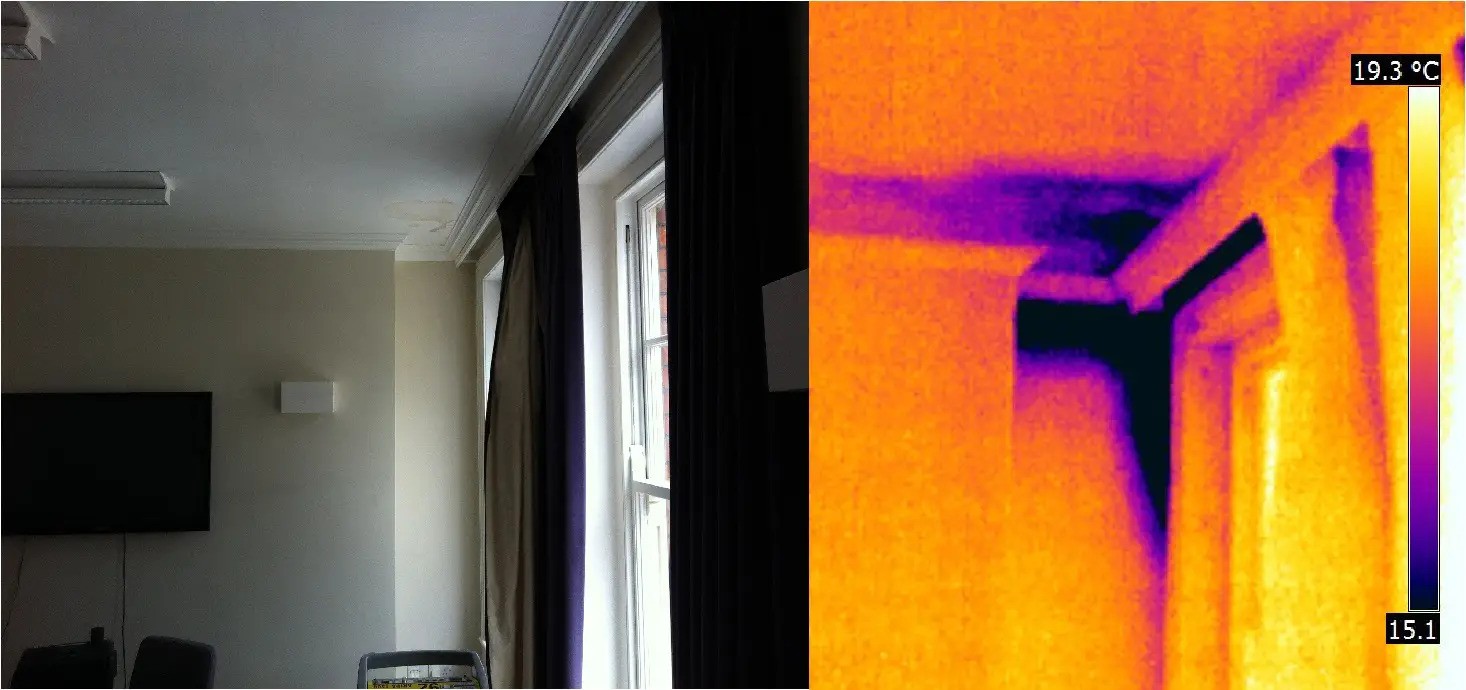
Thermal imaging works best when the condition you are looking for creates a useful temperature difference. If the indoor and outdoor temperatures are similar, insulation gaps and air leakage may be difficult to distinguish. At other times, recently heated or cooled materials can exaggerate a pattern.
Define the inspection question first, then choose a time when the target condition is likely to produce meaningful contrast. Do not interpret a low-contrast image as proof that no problem exists.
5. Humidity, fog, and long measurement distance
Air between the camera and the target absorbs and emits infrared radiation. For short-range work in ordinary conditions, the effect may be small. It becomes more important as distance, humidity, fog, or other atmospheric interference increases.
Keep the camera as close as practical while maintaining safety and the required field of view. Enter realistic distance, atmospheric temperature, and humidity values when the camera supports those corrections, especially for quantitative measurements.
6. Emissivity and reflected temperature
Matte, painted, and many non-metallic surfaces usually emit infrared energy more effectively than shiny, unpainted metals. Low-emissivity surfaces behave more like infrared mirrors, so an apparent hot or cold spot may be a reflection of the sky, the sun, nearby machinery, or the operator.
Change the viewing angle and observe whether the pattern moves. A real thermal feature stays with the target; a reflection often shifts as the camera moves. For temperature measurement, set emissivity and reflected temperature appropriately and follow the camera manufacturer's guidance.
Condition-to-action field guide
| Condition | Possible effect | Recommended response |
|---|---|---|
| Direct or recent sun | Uneven heating and false hot patterns | Inspect before strong solar exposure when possible; record sun and shade history |
| Wind or gusts | Reduced contrast and unstable surface temperature | Choose calmer conditions; avoid comparing images taken under different wind conditions |
| Rain, dew, or condensation | Evaporative cooling or a water-film reading | Wait for suitable surface conditions or document moisture and confirm with another instrument |
| Fog, high humidity, or long range | Reduced atmospheric transmission | Shorten the distance and enter realistic atmospheric settings |
| Shiny metal or glass | Reflections that resemble hot or cold spots | Change angle, check the surroundings, and correct emissivity/reflected temperature |
| Small indoor-outdoor temperature difference | Weak defect contrast | Reschedule for conditions that create a useful thermal gradient |
A repeatable outdoor thermal inspection workflow
- Define the question. Decide whether you are locating a pattern qualitatively or reporting a temperature quantitatively.
- Check the weather history. Note recent sun, rain, temperature changes, and wind—not just the conditions at the moment of capture.
- Let the camera stabilize. After moving it from a heated or air-conditioned vehicle into outdoor conditions, allow it to acclimate according to the manufacturer’s instructions.
- Set measurement parameters. Review emissivity, reflected temperature, object distance, atmospheric temperature, and relative humidity when accurate temperature values matter.
- Capture context. Save a visible-light image and record the target, angle, distance, weather, load state, and camera settings.
- Compare like with like. Compare similar materials under similar exposure and operating conditions.
- Challenge the pattern. Change angle or position to check for reflection, then confirm important findings with another method.
Common mistakes to avoid
- Assuming every bright area is an overheating component
- Comparing a sunlit wall with a shaded wall without noting the exposure difference
- Using one emissivity value for every material in the scene
- Measuring polished metal straight on and treating the reflection as target temperature
- Ignoring recent rain, dew, or rapid weather changes
- Using auto-scaled colors as evidence without reviewing the actual temperature span
- Declaring “no defect” when the available thermal contrast is too weak
Final checklist before you save the image
- Is the target dry and in a stable state for this inspection?
- Has direct sunlight affected the target recently?
- Is wind changing the surface temperature or air-leak pattern?
- Are emissivity and reflected temperature appropriate for the material?
- Is the target large enough in the image and the focus sharp?
- Did you capture a visible-light reference and the environmental conditions?
- Do important findings need confirmation with a contact sensor, moisture meter, or another test?
Reliable thermography is not just about pointing a camera at a surface. It is about controlling what you can, documenting what you cannot, and interpreting the pattern in context.
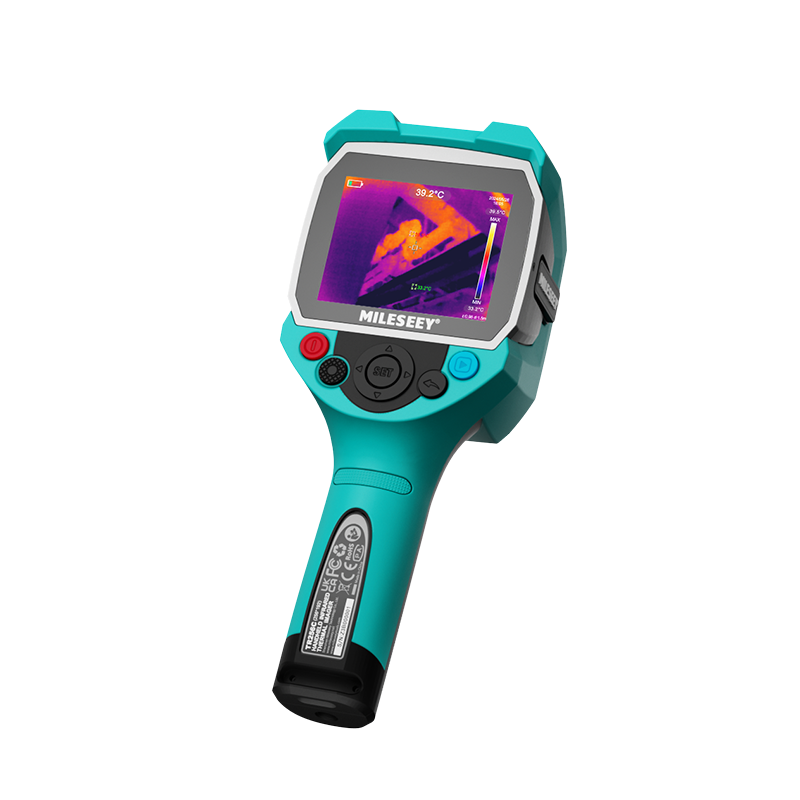
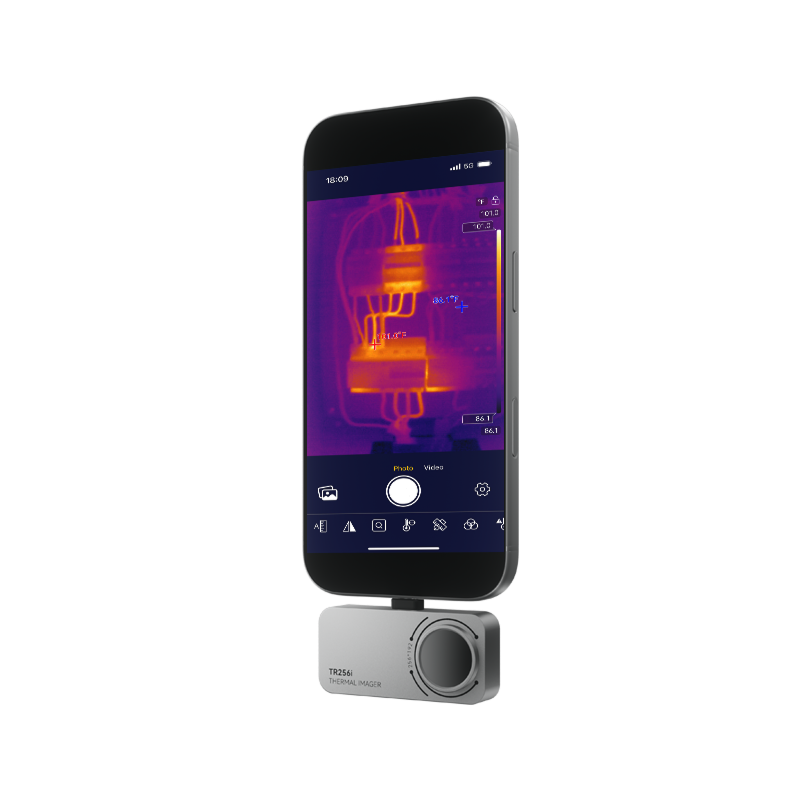
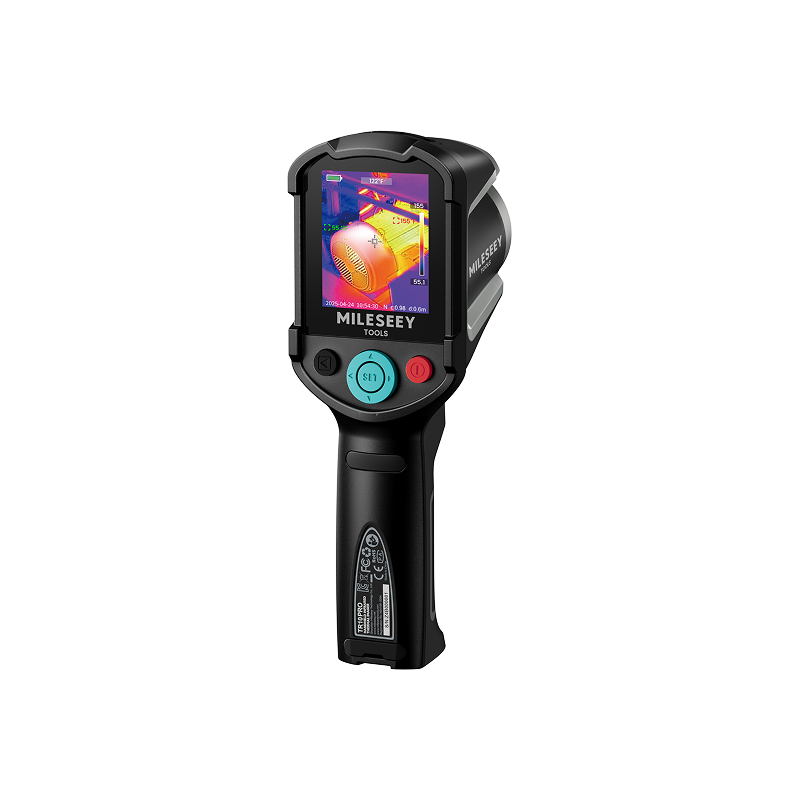
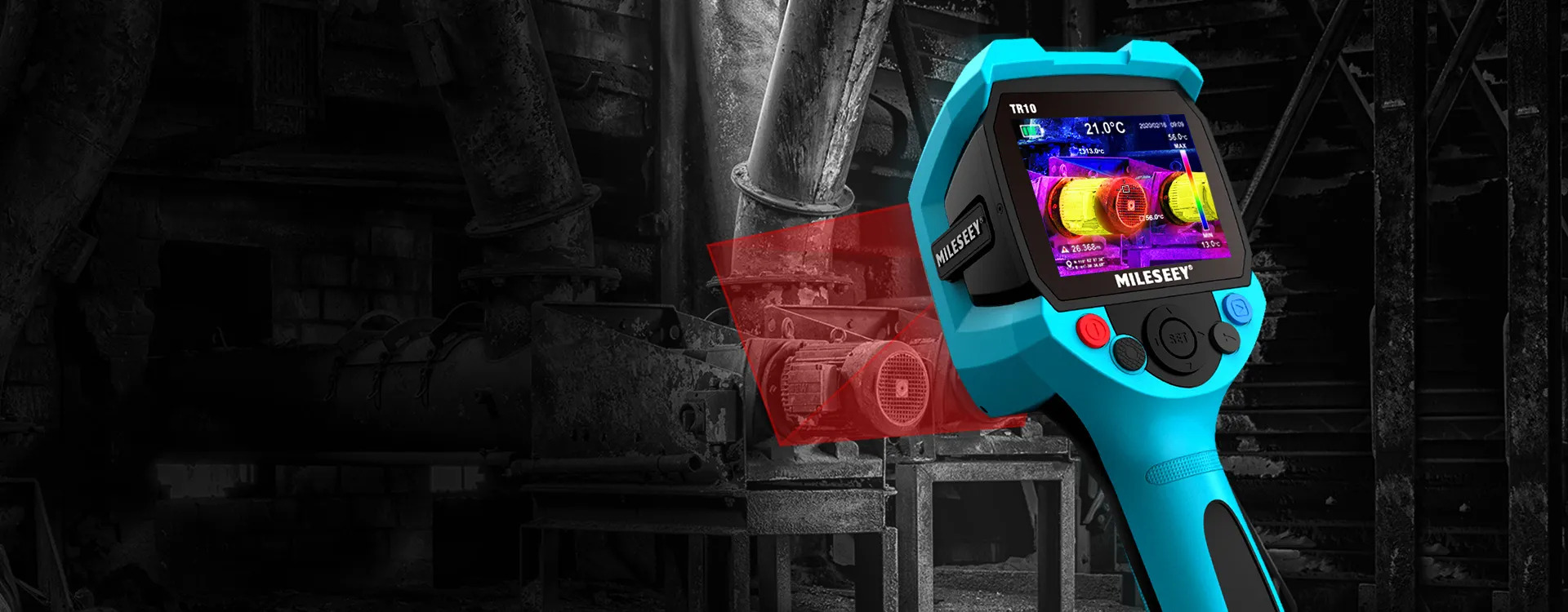
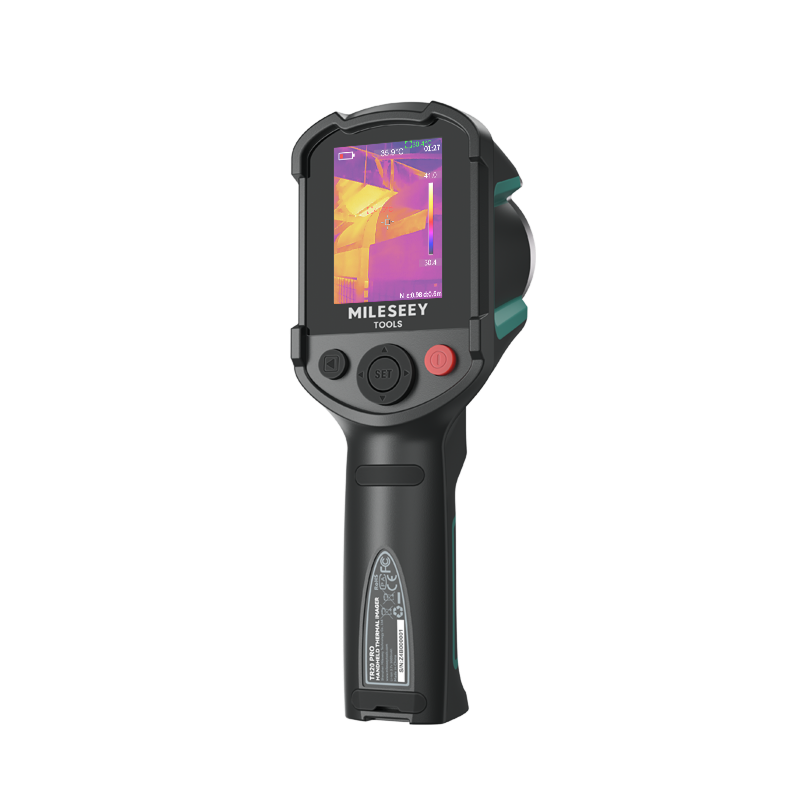
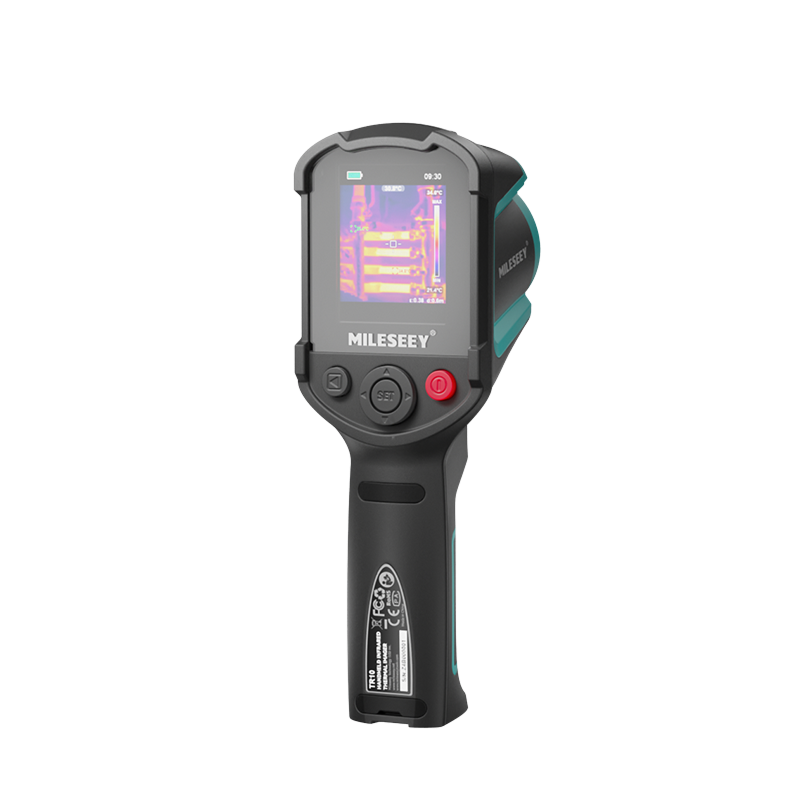
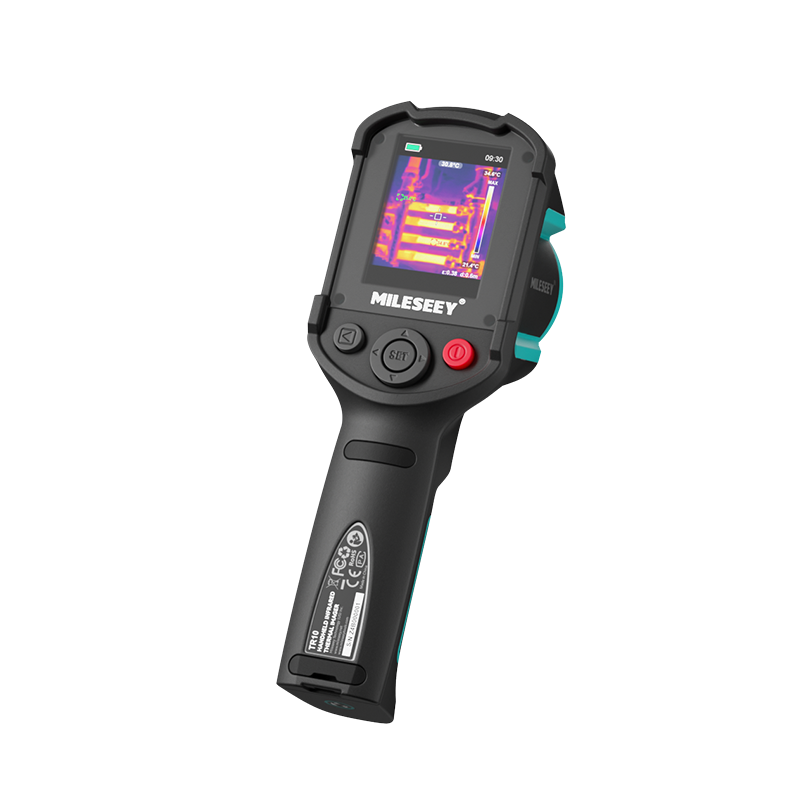
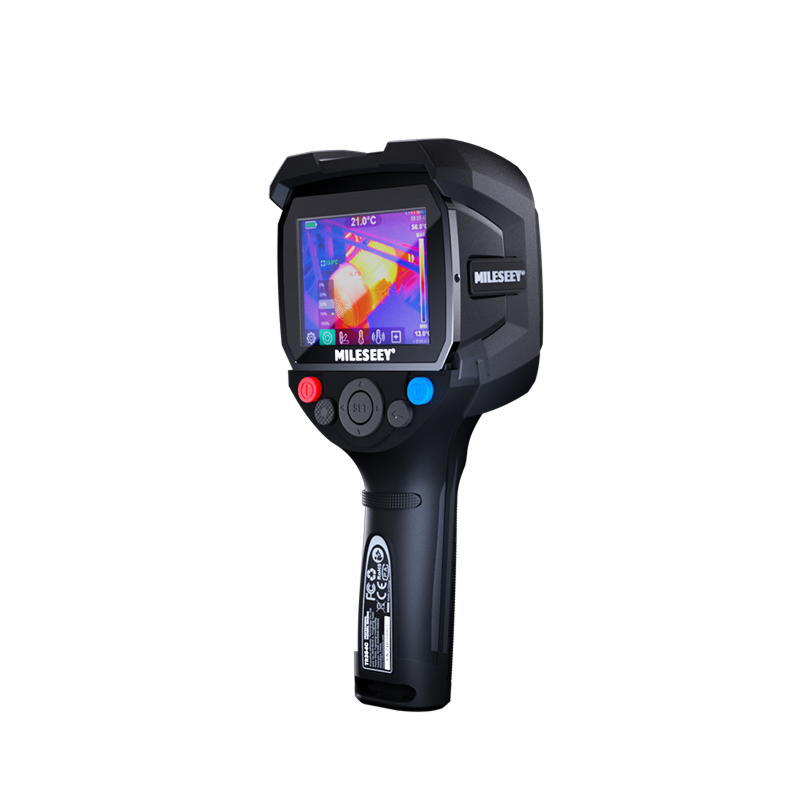
Ready to build a more dependable field workflow? Explore MILESEEY thermal imaging cameras and choose the format that fits your inspection environment.
Thermal imaging supports inspection and diagnosis but does not replace appropriate training, safety procedures, or confirmatory testing.
.png?w=800&h=800)
.png?w=800&h=800)