🚚 US: Fast, Free Shipping Within 5 Days 🚚 US: Fast, Free Shipping Within 5 Days
💰 30-Day Money-Back Guarantee 💰 30-Day Money-Back Guarantee
🔧 Up to 10-Year Warranty Available 🔧 Up to 10-Year Warranty Available
0
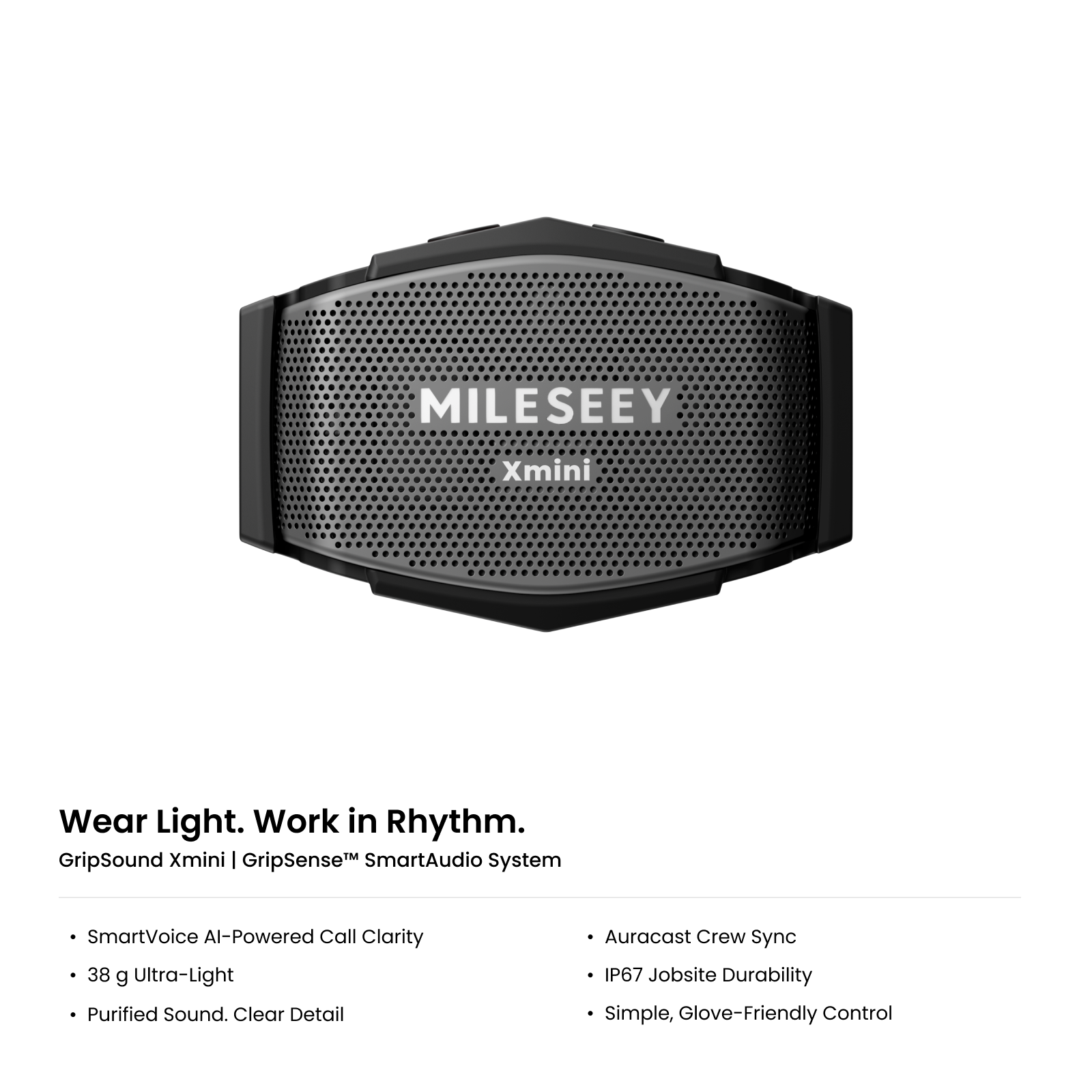
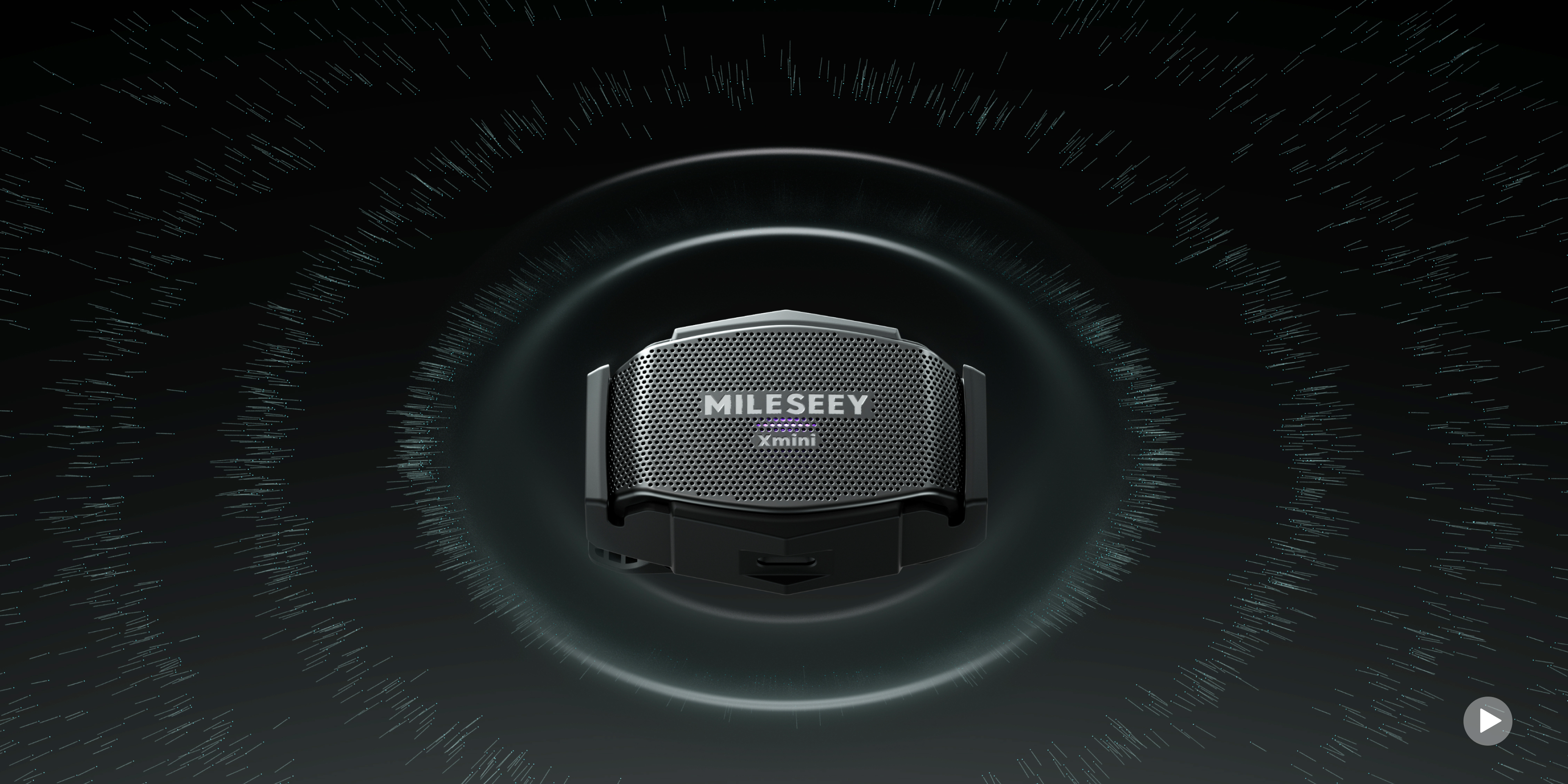
MILESEEY GripSound Xmini  AI-Powered Ultra-Light Wearable Bluetooth Speaker MILESEEY GripSound Xmini  AI-Powered Ultra-Light Wearable Bluetooth Speaker MILESEEY GripSound Xmini  AI-Powered Ultra-Light Wearable Bluetooth Speaker MILESEEY GripSound Xmini  AI-Powered Ultra-Light Wearable Bluetooth Speaker MILESEEY GripSound Xmini  AI-Powered Ultra-Light Wearable Bluetooth Speaker
SmartVoice AI-Powered Call Clarity
Clear Calls Through the Noise. 
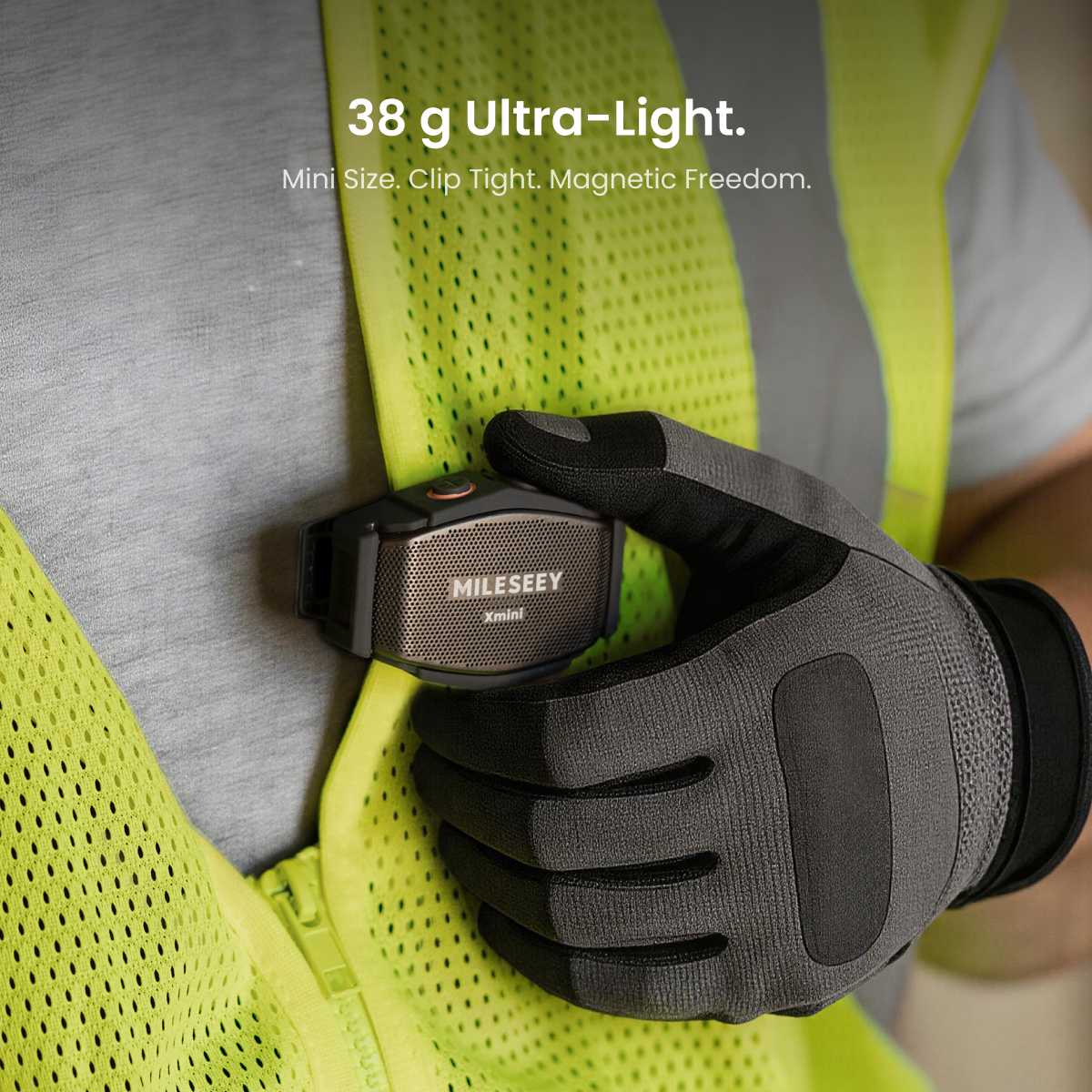
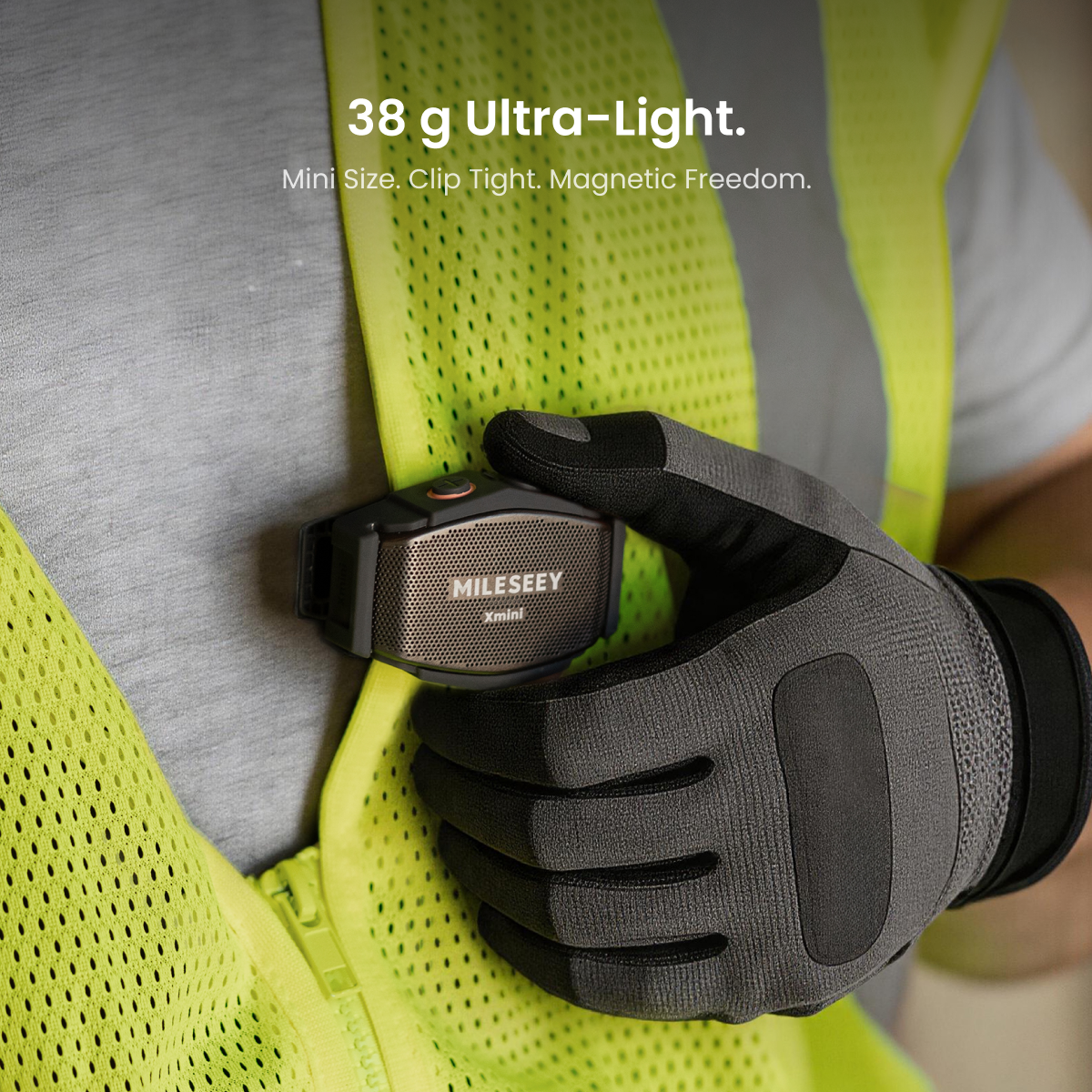
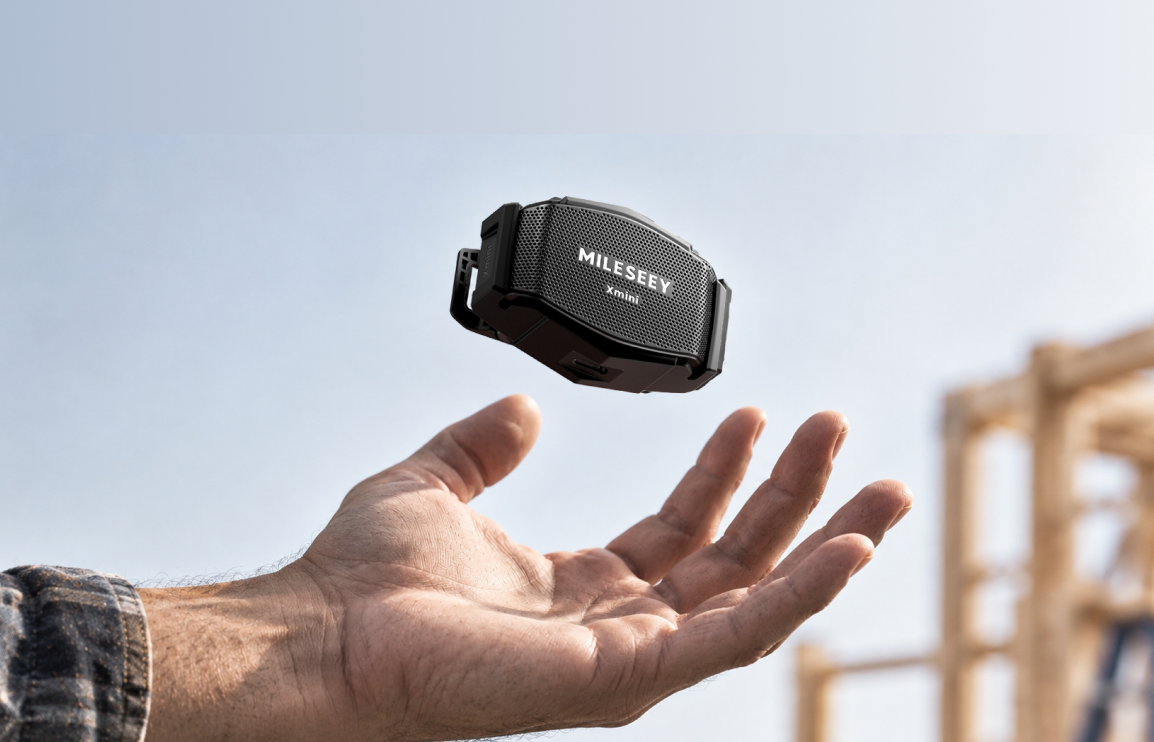
38 g Ultra-Light
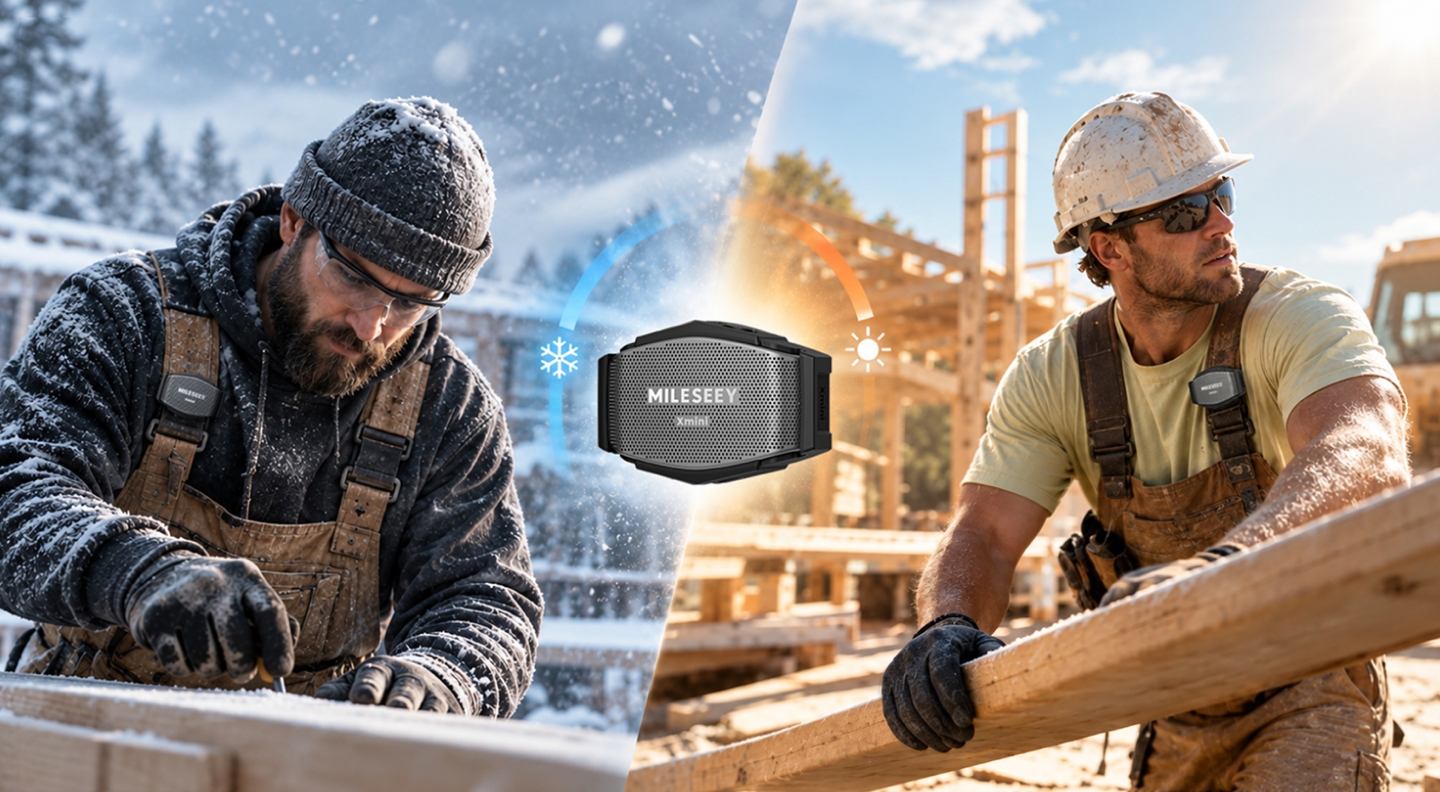
Secure Through Every Move
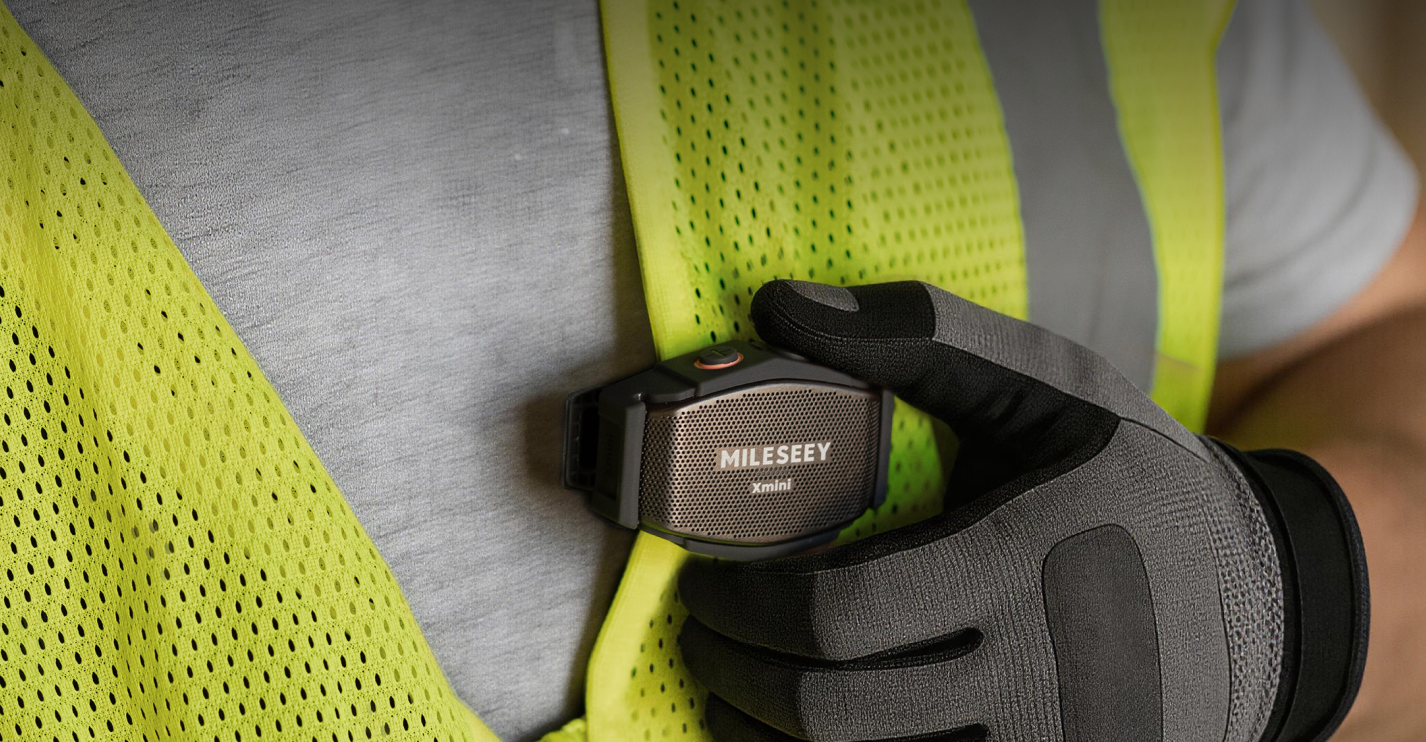
Clip Tight. Stay Put.
Clip-On & Magnetic Mount
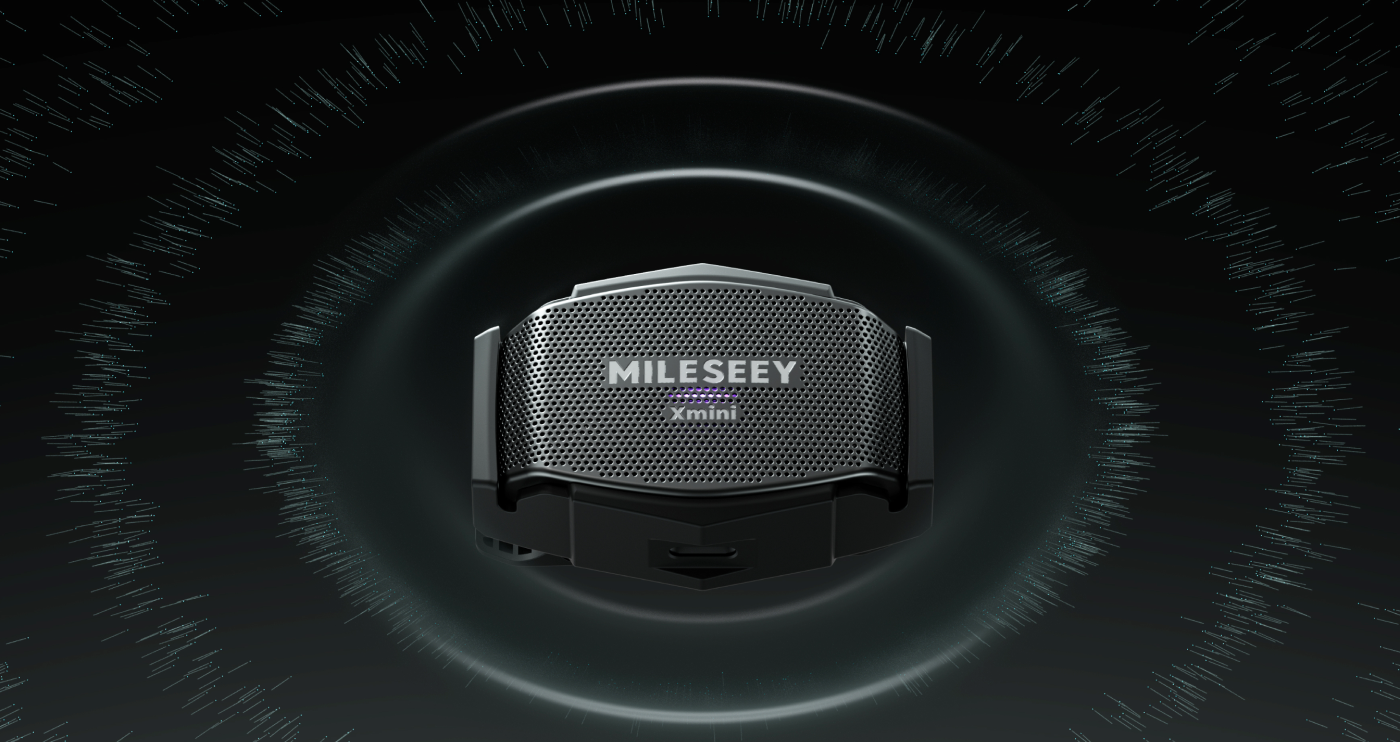
Purified Sound. Clear Detail.
Clear Music. Right by Your Side.
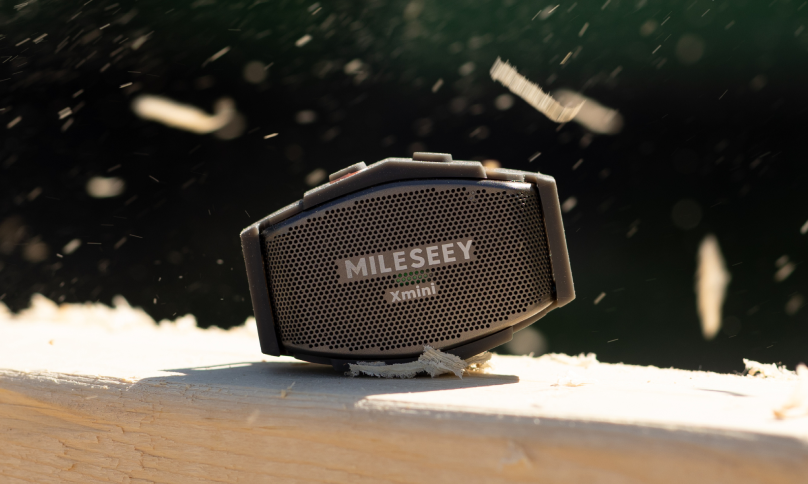
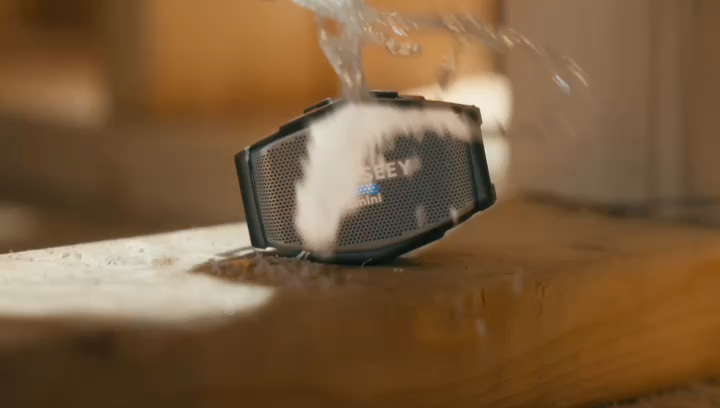
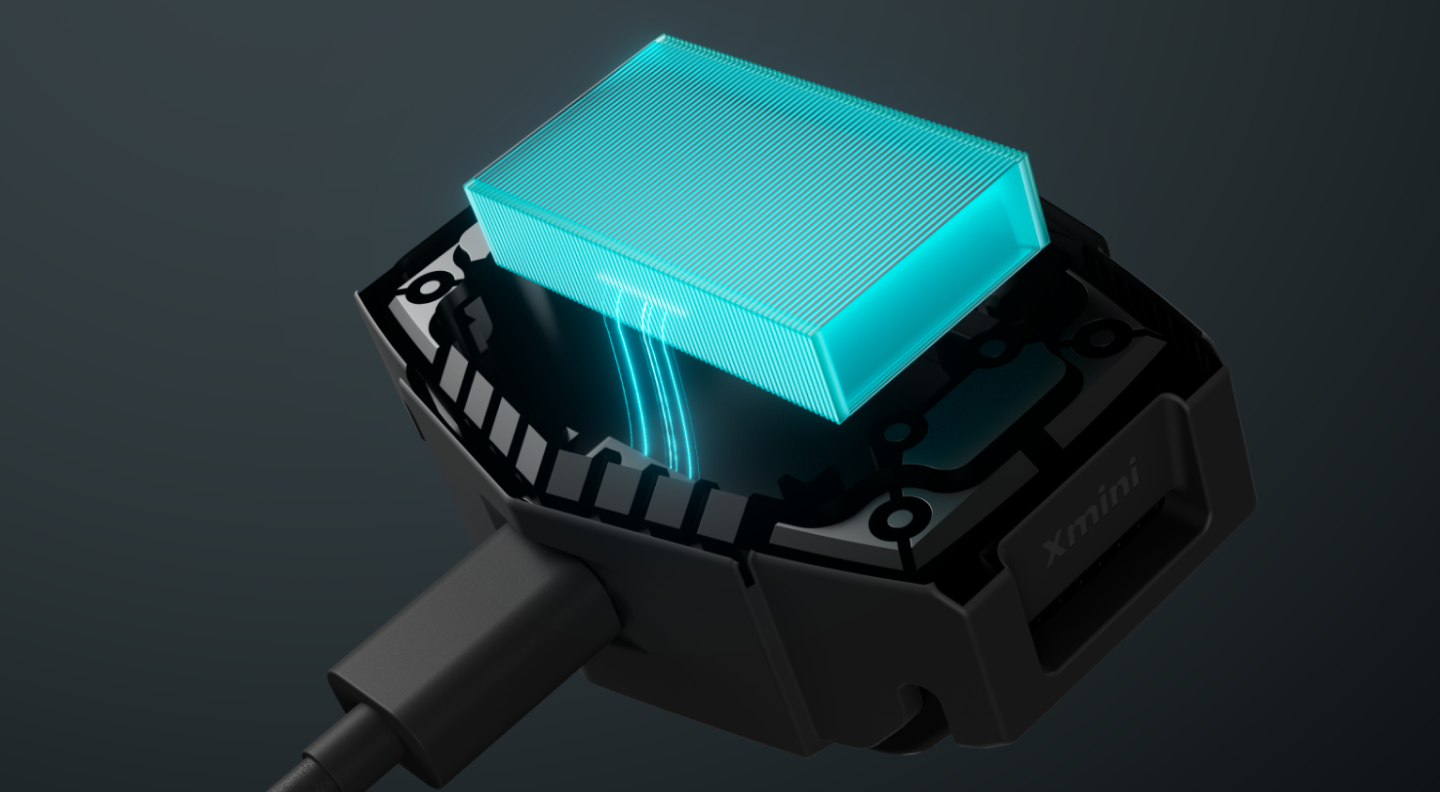
IP67 Protection & 3 m Drop Resistance
Move Freely. Stay Connected.
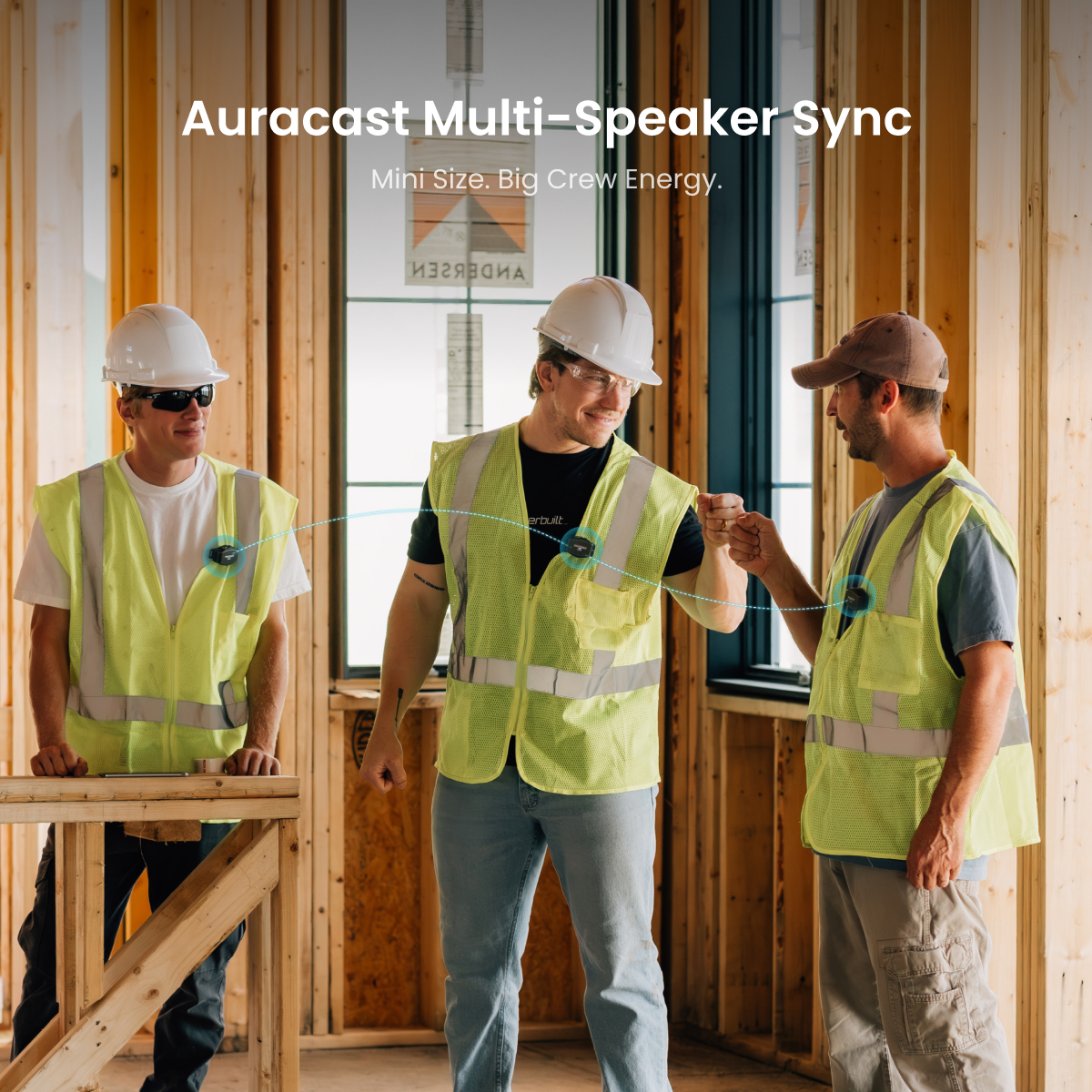
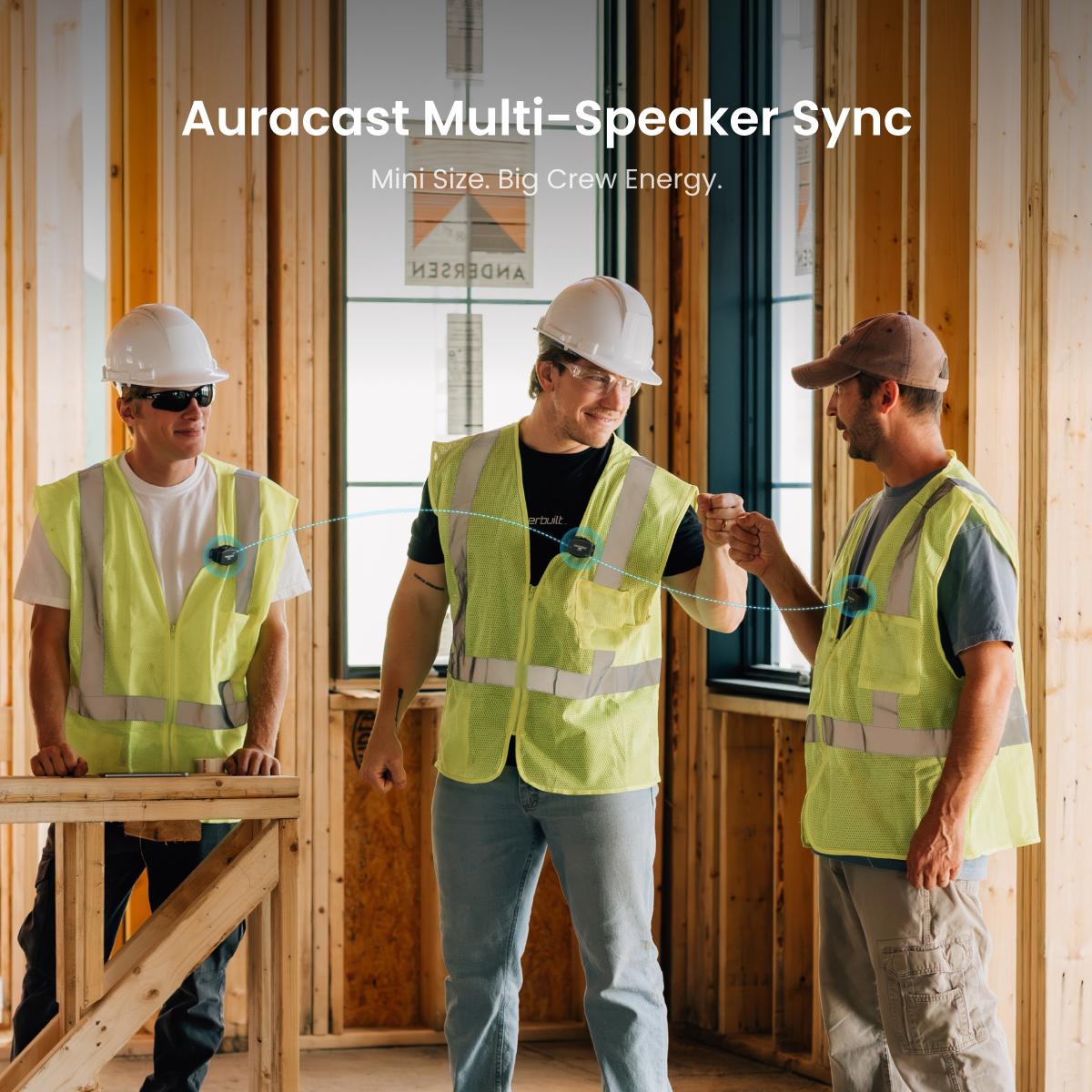
Auracast Multi-Speaker Crew Sync

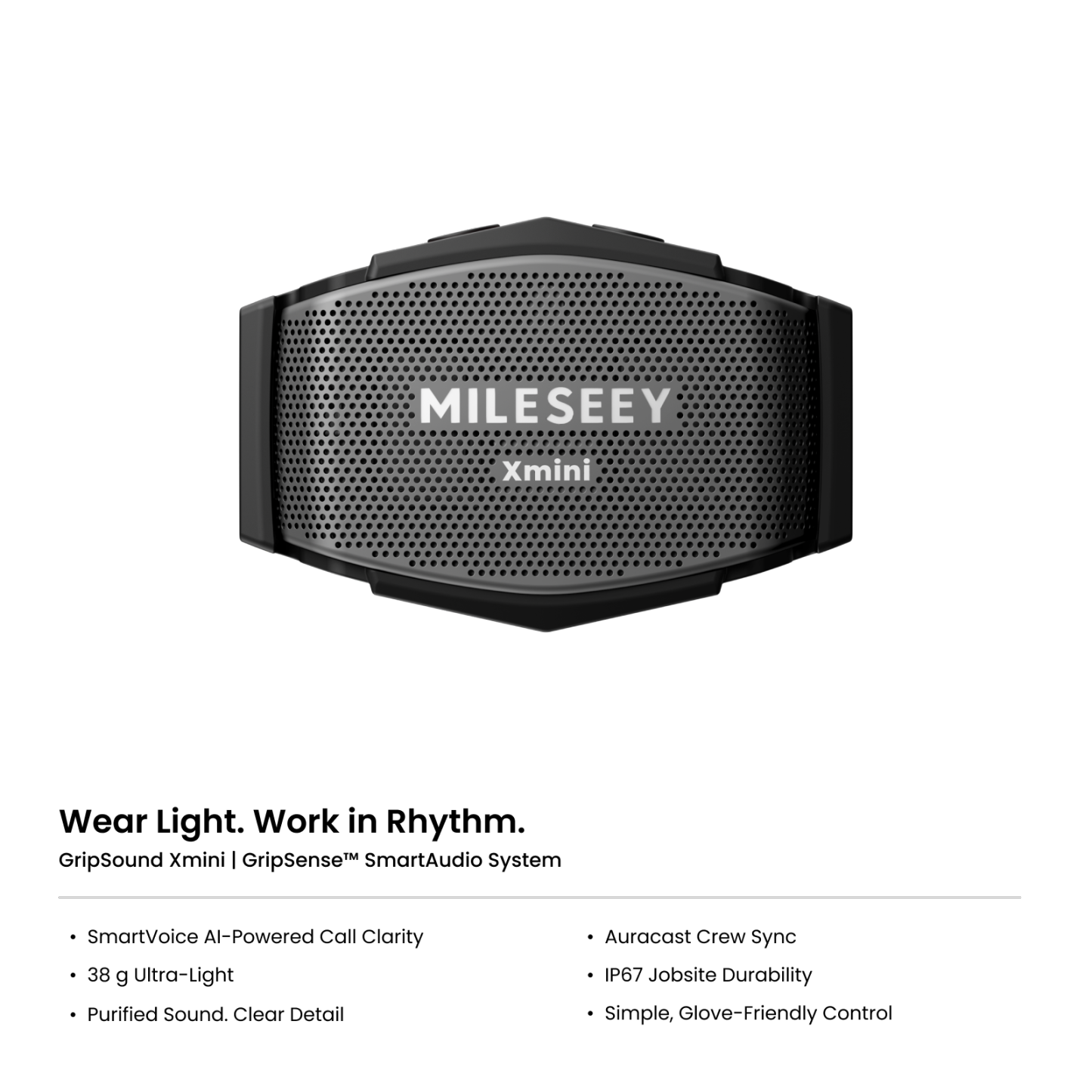
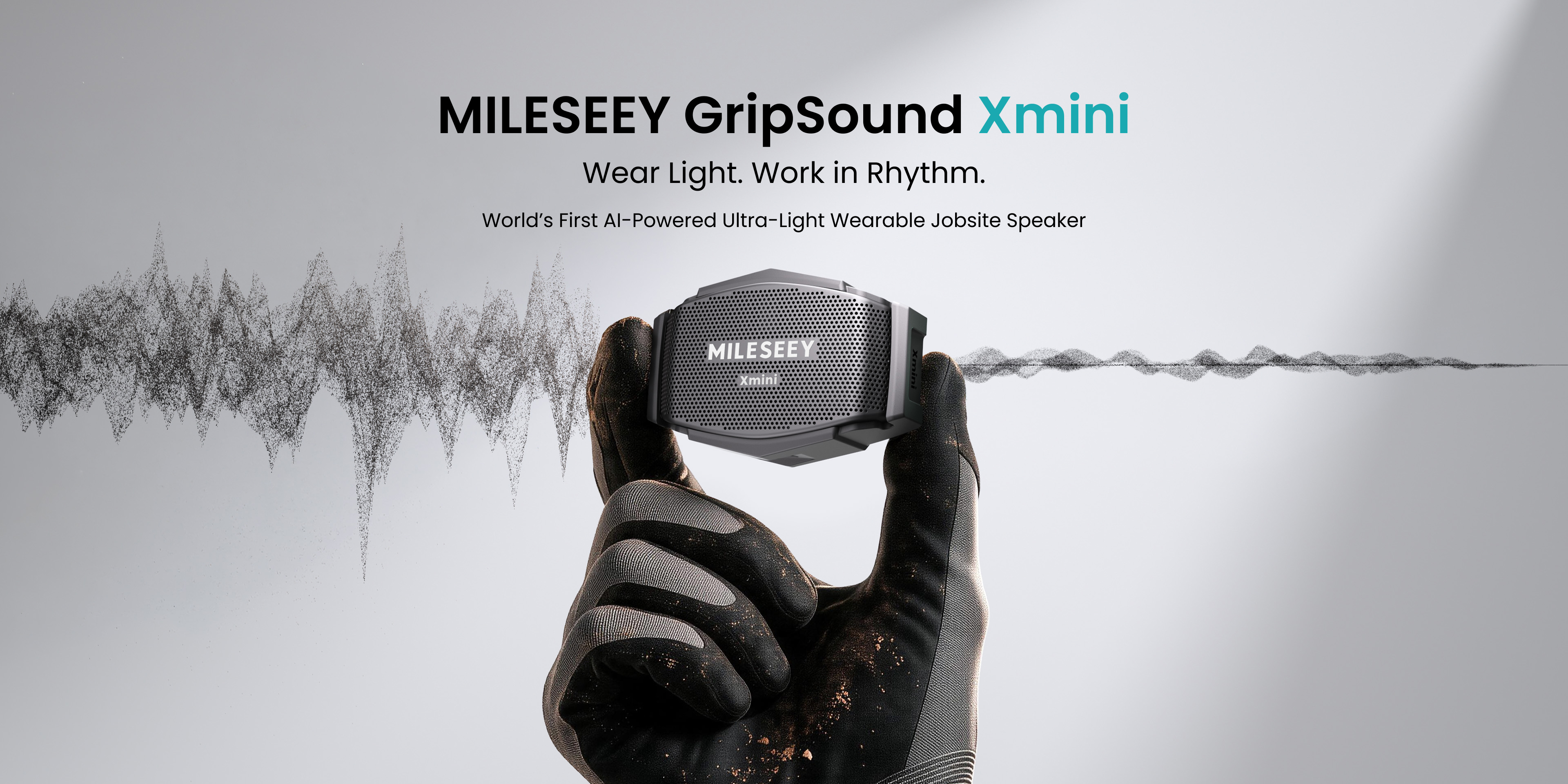
Wear Light. Work in Rhythm.

Powered by the GripSense™ SmartAudio System, GripSound Xmini combines music that stays close and purified,  clear jobsite calls, and secure wear into one ultra-light compact speaker that moves naturally with the way you work.

Clean Sound. Clear Calls.

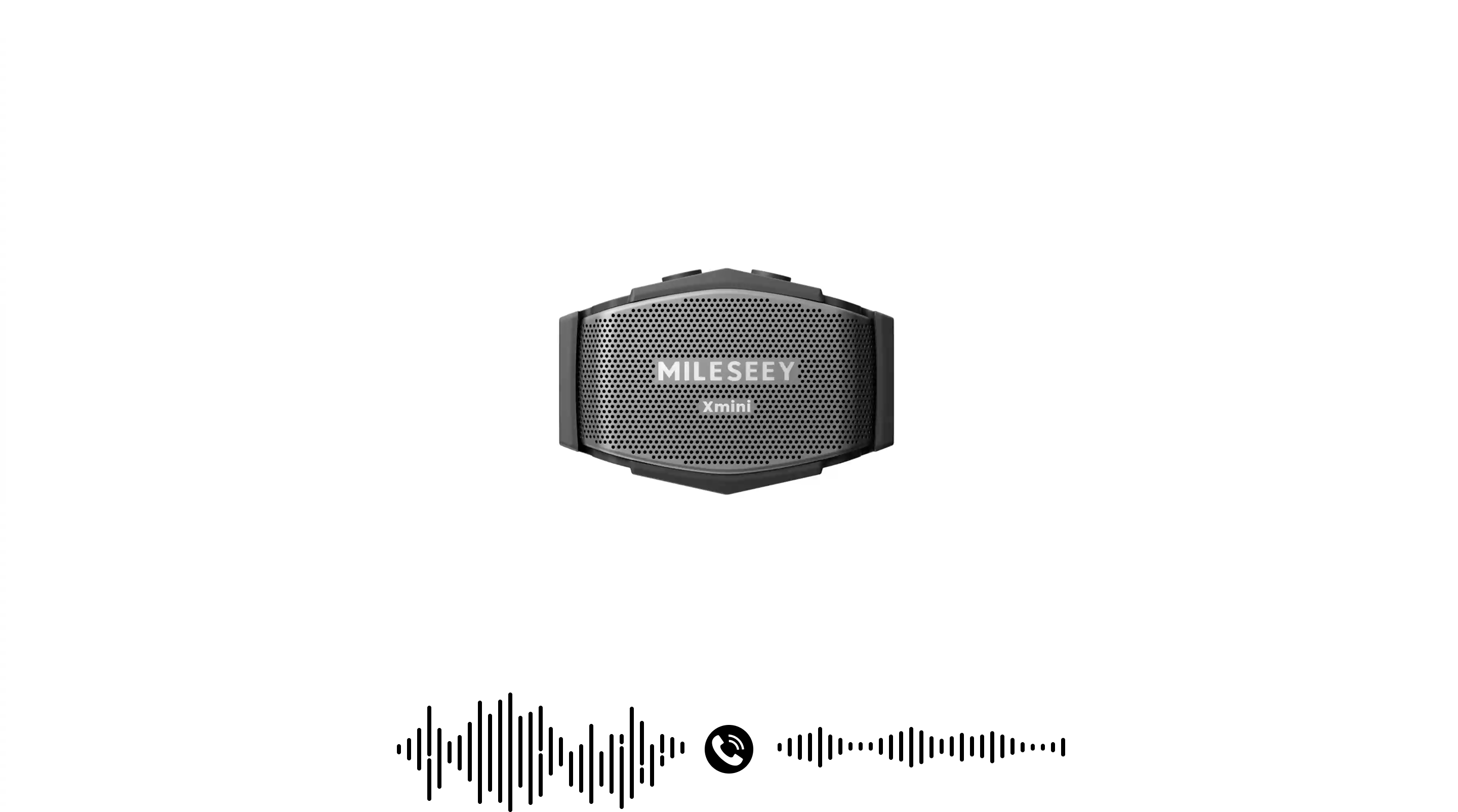
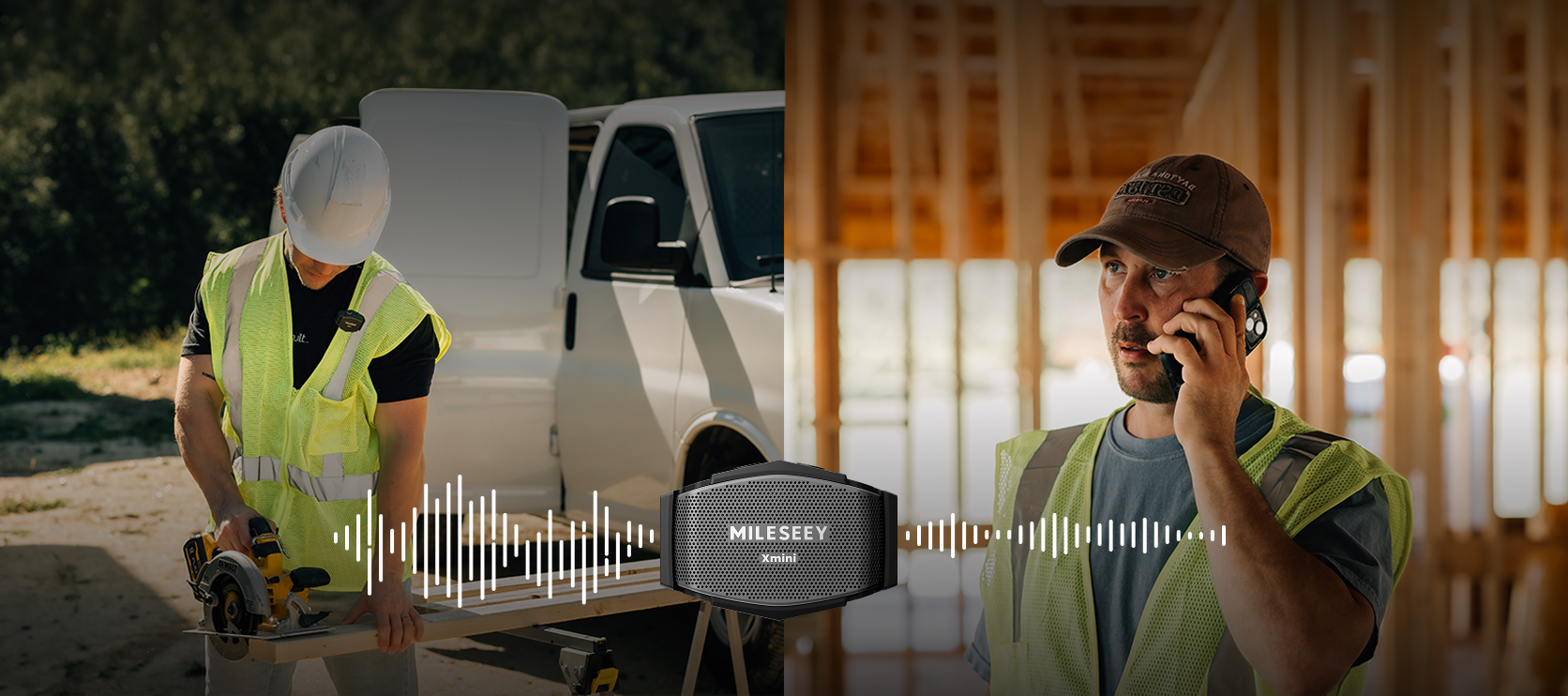
No shouting. Just clear calls. Take calls around drills, saws, wind, and machinery—without shouting or repeating yourself.

38 g Ultra-Light

Secure Through Every Move.
Light to Wear. Music by Your Side.

Mini Speaker
Purified Sound

Pair two for wider personal sound, or sync multiple Xmini speakers across the crew for a more connected, energized workday.

One Track. More Speakers.

One Crew. One Rhythm.

Share the same music across the team and keep the workday moving together. Different people, different playlists—one shared energy that makes the workday better together.

Dual-Speaker Personal Setup

Clip one Xmini on each side. Synchronized playback gives you wider coverage and fuller sound without carrying a bigger speaker.

Private Call Switching

When a call comes in, multi-speaker sync pauses automatically and the conversation stays on your primary connected Xmini, so your conversation is never broadcast to others.

Built for the Site. Ready for the Shift.

Move Freely. Stay Connected.

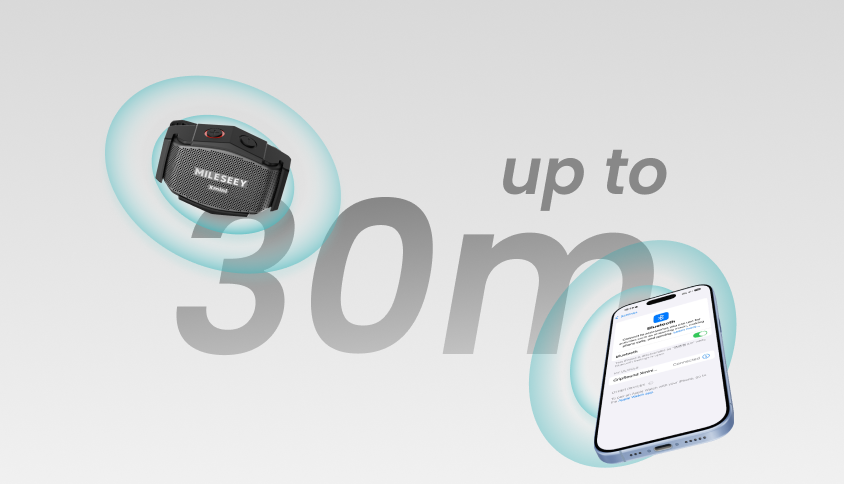
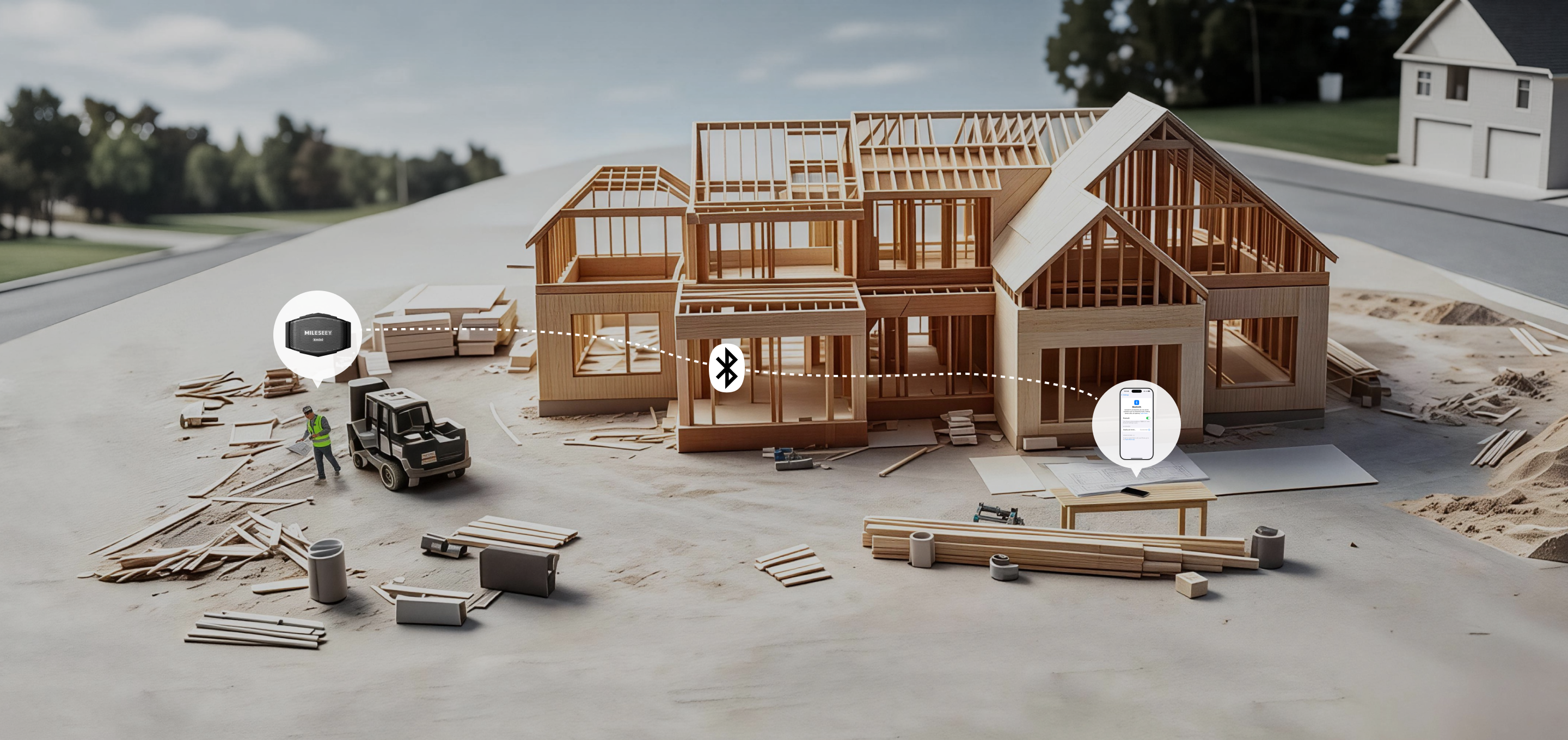
Faster, more efficient wireless keeps your music responsive within the tested 30 m range while using less power and improving connection security. Leave your phone in the toolbox and keep moving without losing your soundtrack.

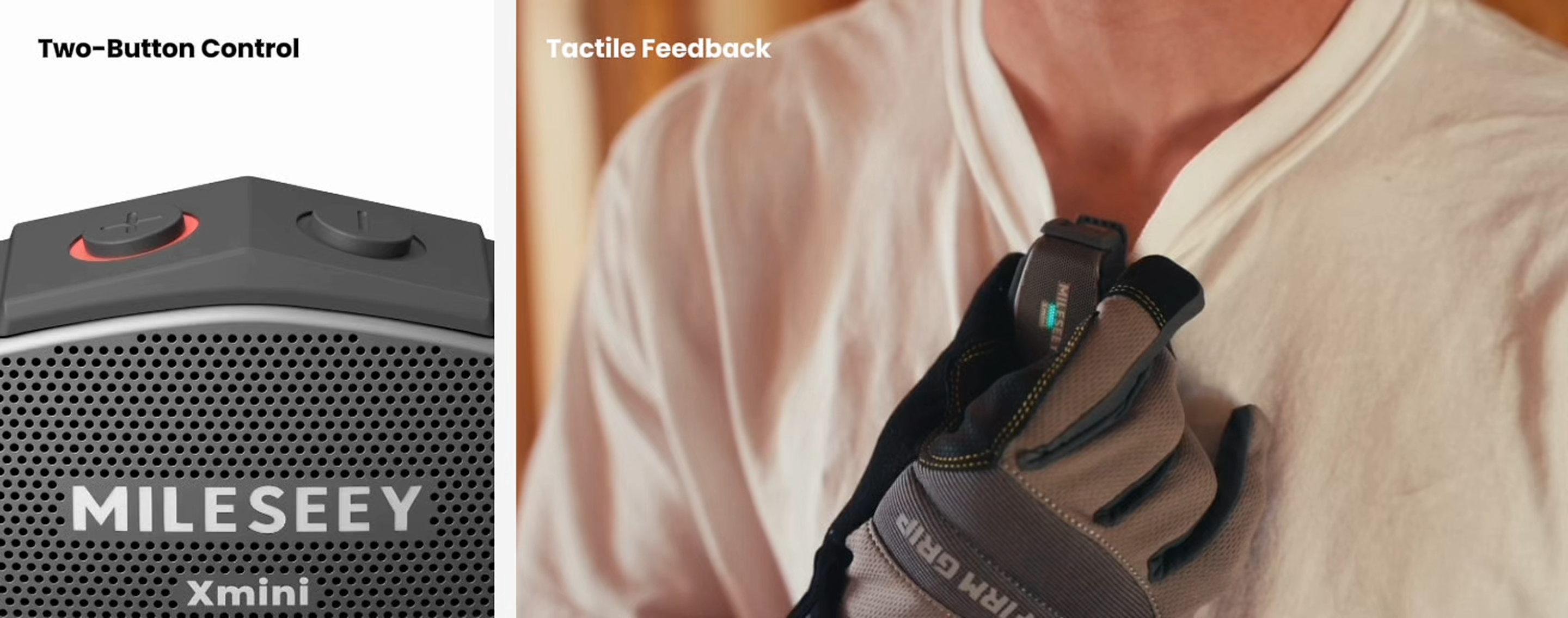
Gloves On. Keep Working.

Two oversized, raised buttons are designed for quick, intuitive control by touch, making them easy to distinguish without looking down. Clear tactile feedback helps you manage music, volume, and calls confidently—even with gloves on.

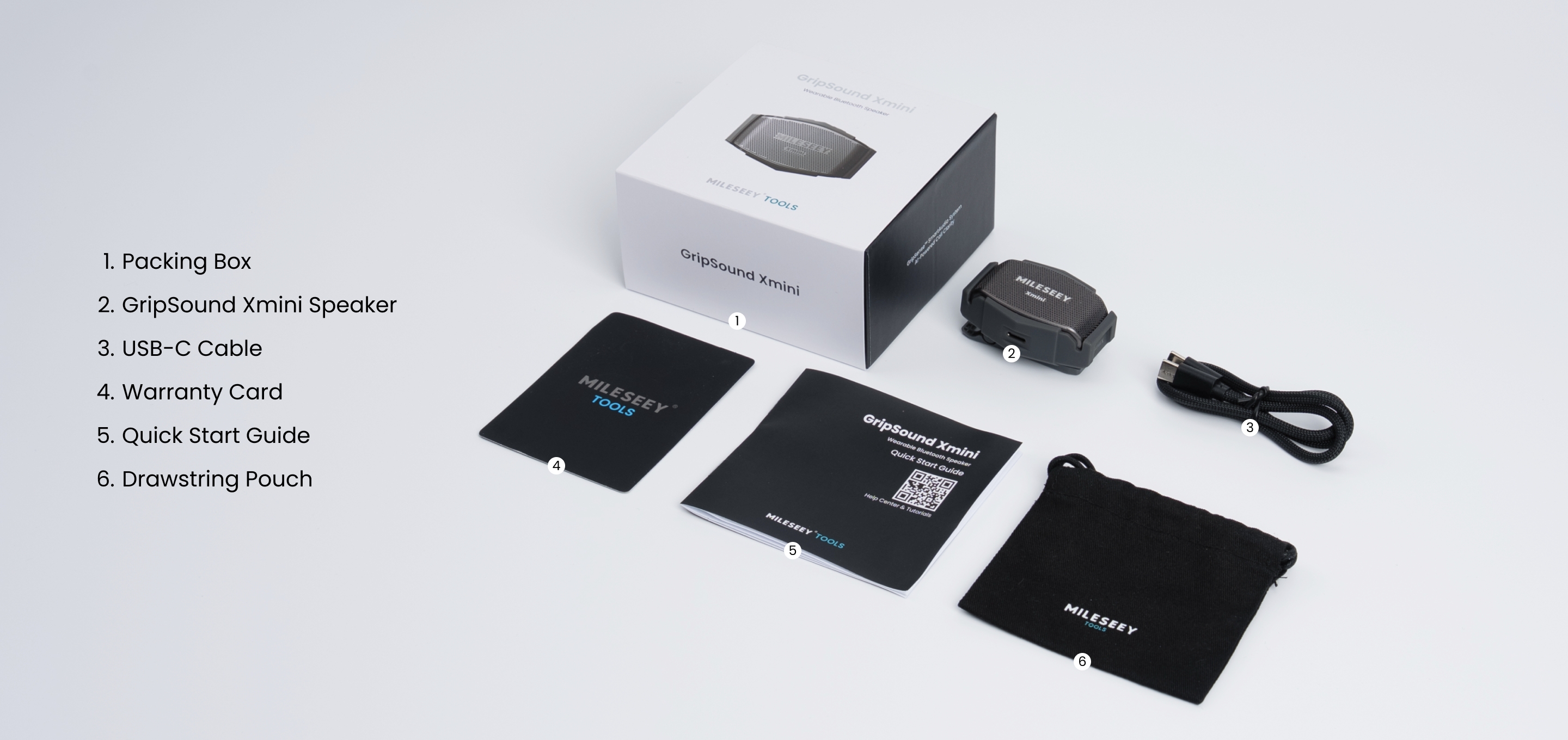
What's in the Box

Why Choose MILESEEY GripSound Xmini

On a loud jobsite, your voice should still be the loudest thing they hear.

Light Enough to Forget. Tough Enough for the Job.

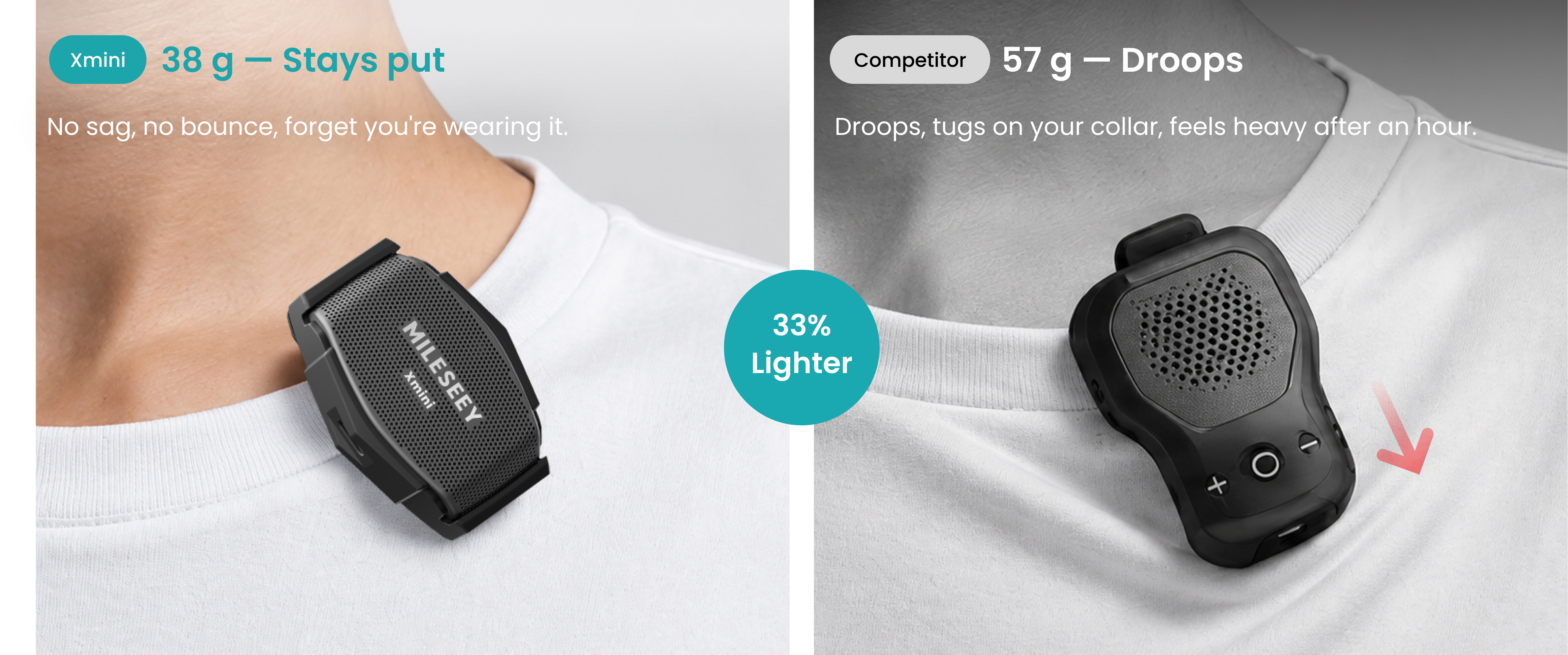
Typical jobsite wearables start around 57 g. Xmini is 38 g — with a better protection rating.

Xmini vs. the Rest

At a glance — how Xmini stacks up on the jobsite.

Feature
GripSound Xmini
Typical Jobsite Wearable
Typical Outdoor Wearable
Call Experience

Callers hear you clearly even in loud noise

Caller can't hear you over noise.

Basic noise filtering; wind comes through clearly.

Wear All Shift
38 g — no sagging, no collar tug, forget it's on after an hour.
57 g+ — gets heavier as the shift goes on, collar stretched.
39 g+ — okay weight, but fit depends on the model.
Tough as the Job

IP67 rated — splash-proof, dust-tight, dropped from 3 m.

Splash-resistant but not drop-rated; 
IP56 / IPX7.
Varies; most have no jobsite drop test.
Stay Connected

Up to 30 m Bluetooth range in open areas 

Range varies; drops when walls get in the way.
Range varies.
Team Audio

Auracast™ — pair multiple Xmini for shared crew audio.
Most don't support multi-speaker.
Operate With Gloves
Two big raised buttons — Easy to identify by touch, even with gloves on.
3+ buttons, easy to misfire with gloves on.
Standard layout, glove experience varies.
Stays Put
Reinforced clip + magnet — no bouncing off when you bend or reach.
Mounting varies by model.

Specs

Speaker Output Power
2 W
Number of Microphones
2 × Digital MEMS Microphones
Bluetooth Version
Bluetooth 6.0
Bluetooth Range
Up to 30 m
Housing Material
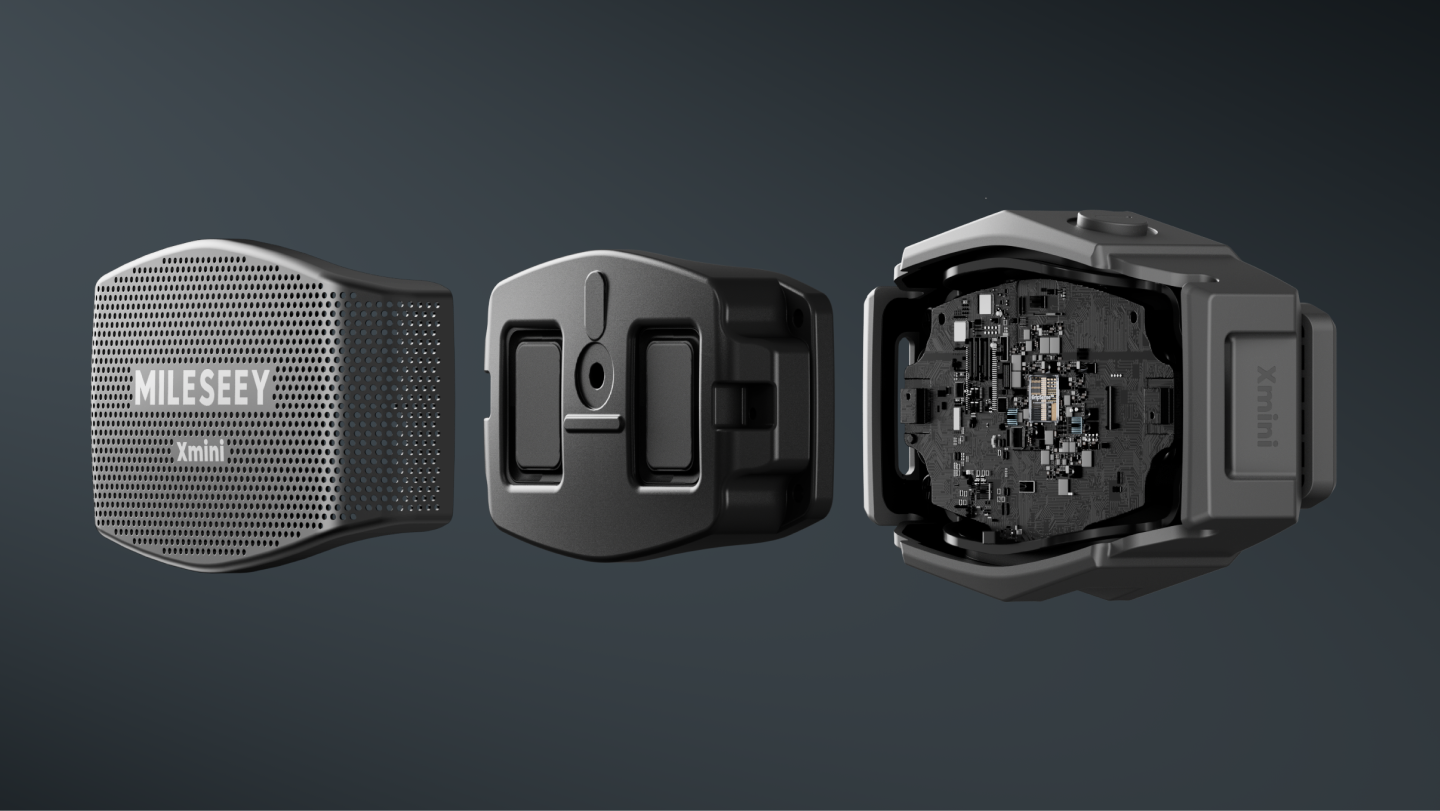
Main Body: ABS + Rubber/Silicone; Speaker Grille: Metal Mesh
Wearing / Mounting Options
Clip-On / Magnetic Mounting
Degrees of Protection
IP67
Charging Port
USB-C (5 V/2 A)
Battery Type
550 mAh / 3.8 V Rechargeable Battery
View More View Less

Getting Started

How do I turn Xmini on and off?
Press and hold the Power / Volume Up Button for more than 1.5 seconds to turn Xmini on. 

To power it off, press and hold the same button for more than 5 seconds.
How do I play or pause music on Xmini?
Short press both buttons at the same time to play or pause your audio.
Can I control music without reaching for my phone?
Yes. You can adjust volume, play or pause audio, and skip tracks directly from Xmini. Short press the Power / Volume Up Button to turn the volume up and the Volume Down Button to turn it down. 

The two physical buttons are also used for previous/next track, calls, and multi-speaker control. Please find detailed instructions in the Quick Start Guide or User Manual.

Connectivity

How do I pair Xmini with my phone?
Turn Xmini on and Bluetooth pairing starts automatically. Select Xmini from the Bluetooth settings on your phone to connect.

Once connected, Xmini gives a “Connected” voice prompt.
What happens if I don’t connect Xmini after turning it on?
Xmini stays available for Bluetooth pairing for up to 10 minutes. If no Bluetooth device connects during that time, it powers off automatically to help conserve battery.
How do I pair Xmini with a different phone?
With Xmini powered off, press and hold the power button for 5 seconds to start it in Bluetooth re-pairing mode. Previous Bluetooth connections will be disconnected so you can pair a new device.
View More View Less

Battery & Charging

How do I know when Xmini’s battery is low?
When the battery level reaches 10% or below, the LED shows a red pulsing light to let you know it’s time to recharge.
How can I tell if Xmini is charging or fully charged?
The LED shows the charging status at a glance:

Red: battery at 10% or below
Yellow: charging above 10% and below full
Green: fully charged

Xmini charges through its USB-C charging port.

Durability / Jobsite Use

Where can I wear Xmini?
Xmini weighs just 38 g and can clip onto a collar, work vest, shoulder strap, chest pocket, or cap brim, keeping your audio close without carrying a separate speaker.
Will Xmini stay clipped on while I’m moving around?
Xmini is designed for active work. Its reinforced spring, high-grip contact surface, and purpose-built teeth help keep it securely clipped as you bend, climb, lift, and move through the job.
Where can I mount Xmini with the built-in magnet?
When you’re staying in one place, the built-in magnet lets you mount Xmini to compatible metal surfaces such as a toolbox, metal cabinet, truck body, steel ladder, or beam. When it’s time to move again, simply clip it back onto your gear.

Audio Experience

Is Xmini meant to replace a large jobsite speaker?
Xmini is designed differently. Instead of filling the entire jobsite with loud sound, its near-field audio keeps clear, detailed music close to you. You get your own soundtrack without carrying a bulky speaker or overpowering the people working around you.
Can I still hear what’s going on around me while using Xmini?
Yes. Because Xmini is worn as a speaker rather than placed inside your ears, you can enjoy your music while staying more aware of voices, movement, and the work around you. 

There are no earbuds blocking your ears, making it more comfortable for long periods of use while helping you stay connected to your surroundings.

Calls / Microphone

Can I answer phone calls directly from Xmini?
Yes. When a call comes in, short press either button to answer. 

Press and hold either button for 1.5 seconds during an incoming call to reject it, or during a call to end it.

This means you can handle calls without reaching for your phone and keep your hands available for the job.
Will callers still hear me around drills, saws, or machinery?
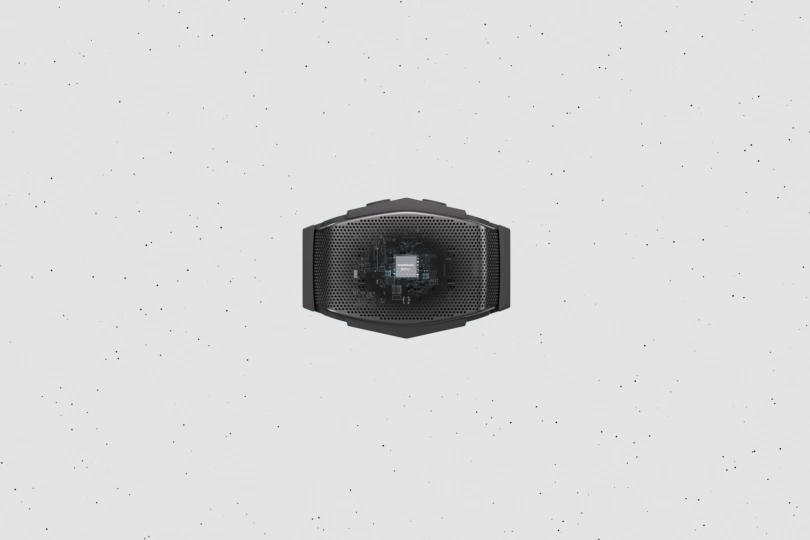
Xmini is designed for clearer calls in noisy working environments. A dedicated AI noise-canceling processor works with dual digital MEMS microphones to focus on your voice and filter out surrounding jobsite noise.
Do I need to turn AI noise cancellation on every time?
No. AI noise cancellation is enabled by default when Xmini powers on. You can also turn it on or off through the app.
View More View Less

Multi-Speaker / Party / Crew Sync

Can multiple Xmini speakers play the same music at once?
Yes. Turn on Auracast Multi-Speaker Link to synchronize multiple Xmini speakers and play the same audio across the crew.

Press and hold both buttons simultaneously for more than 3 seconds to turn Multi-Speaker Link on or off. When the feature is enabled, the LED switches to a blue pulsing light when the battery is above 10%.
Can I use two Xmini speakers just for myself?
Yes. You can wear two synchronized Xmini speakers for wider sound without carrying a larger speaker. Clip one on each side and let both play the same audio together.
What happens to the music when I get a call while multiple Xmini speakers are linked?
When a call comes in, shared music pauses automatically. The call stays on the primary Xmini connected to sound source, while the other linked speakers remain paused.
View More View Less

Troubleshooting

Why won’t Xmini connect to my phone?
First, make sure Xmini is powered on and within Bluetooth range of your device. If it is still connected to a previous device, turn Xmini off and press and hold the power button for 5 seconds to enter Bluetooth re-pairing mode, then select Xmini again from your phone’s Bluetooth settings.
How do I know whether Bluetooth is connected?
Xmini also gives a “Connected” or “Disconnected” voice prompt when the connection status changes.
Can I turn off Xmini’s voice prompts?
Yes. Voice prompts are enabled by default and can be turned off in the app. When voice prompts are disabled, most spoken status prompts are turned off, while necessary button feedback remains available.